






Product photo coming soon
Sierra WirelessAccessories
Sierra Wireless XR60 DIN Rail Mounting Bracket | Rack Mount, Enterprise
MPN 6001529
Made for Sierra Wireless
Pricing on request
In stockShips from the US
Request a quote
or email info@cloudcarenetworks.com
- 30-day returns on unopened devices
- Secure checkout · pay by card
Overview
Anchor the XR60 in control cabinets and industrial enclosures with a DIN rail mounting bracket designed for fixed, space-efficient installation. Built for edge environments where stable placement matters, it helps keep the router secured, accessible, and ready for continuous operation.
- DIN rail mounting bracket for Sierra Wireless XR60
- Fixed-mount accessory for industrial and edge installations
- Space-efficient hardware placement for cabinets and enclosures
- Designed for stable router retention in serviceable environments
- Accessory form factor suited to control-panel integration
- Purpose-built for XR60 deployment consistency
- Secure XR60 placement using DIN rail mounting for fixed industrial installs
- Reduce cabinet clutter with a compact bracket designed for space-constrained enclosures
Keep the XR60 firmly positioned in the rack, cabinet, or enclosure with a DIN rail mounting bracket made for fixed industrial installs. This accessory supports clean, repeatable deployment where wall space is limited and equipment needs to stay secured through vibration, service access, and daily operational handling.
For infrastructure teams standardizing edge hardware, a DIN rail mount simplifies placement and helps maintain a tidy footprint inside control panels and network cabinets. It is a practical choice when the goal is to protect the router from accidental movement while preserving access for maintenance and cable management.
Specified for the XR60, this mounting bracket is suited to environments that demand predictable hardware placement and a professional installation finish. It is the kind of accessory that reduces friction during rollout and supports a cleaner, more serviceable edge design.
Ideal for
- Mounting an XR60 inside an industrial control cabinet
- Securing edge networking hardware on a DIN rail in a utility enclosure
- Standardizing router placement across distributed branch installations
- Installing a fixed XR60 mount in a space-limited equipment panel
Specifications
General
- Mount Max Screens
- 1
- Mount Motion Type
- Fixed
- Mount Cable Management
- No
AV Furniture Mounts
- Mount Type
- DIN Rail Mount
Questions buyers ask
What device is this mounting bracket designed for?
It is designed for the Sierra Wireless XR60.
What type of installation does it support?
It supports DIN rail mounting for fixed placement in cabinets, enclosures, and control panels.
Is this a moving arm or adjustable display mount?
No. It is a fixed mounting accessory, not an articulated arm or monitor stand.
Where is this bracket most useful?
It is most useful in industrial and edge networking deployments where the XR60 needs secure, space-efficient mounting.
More Accessories
Belkin
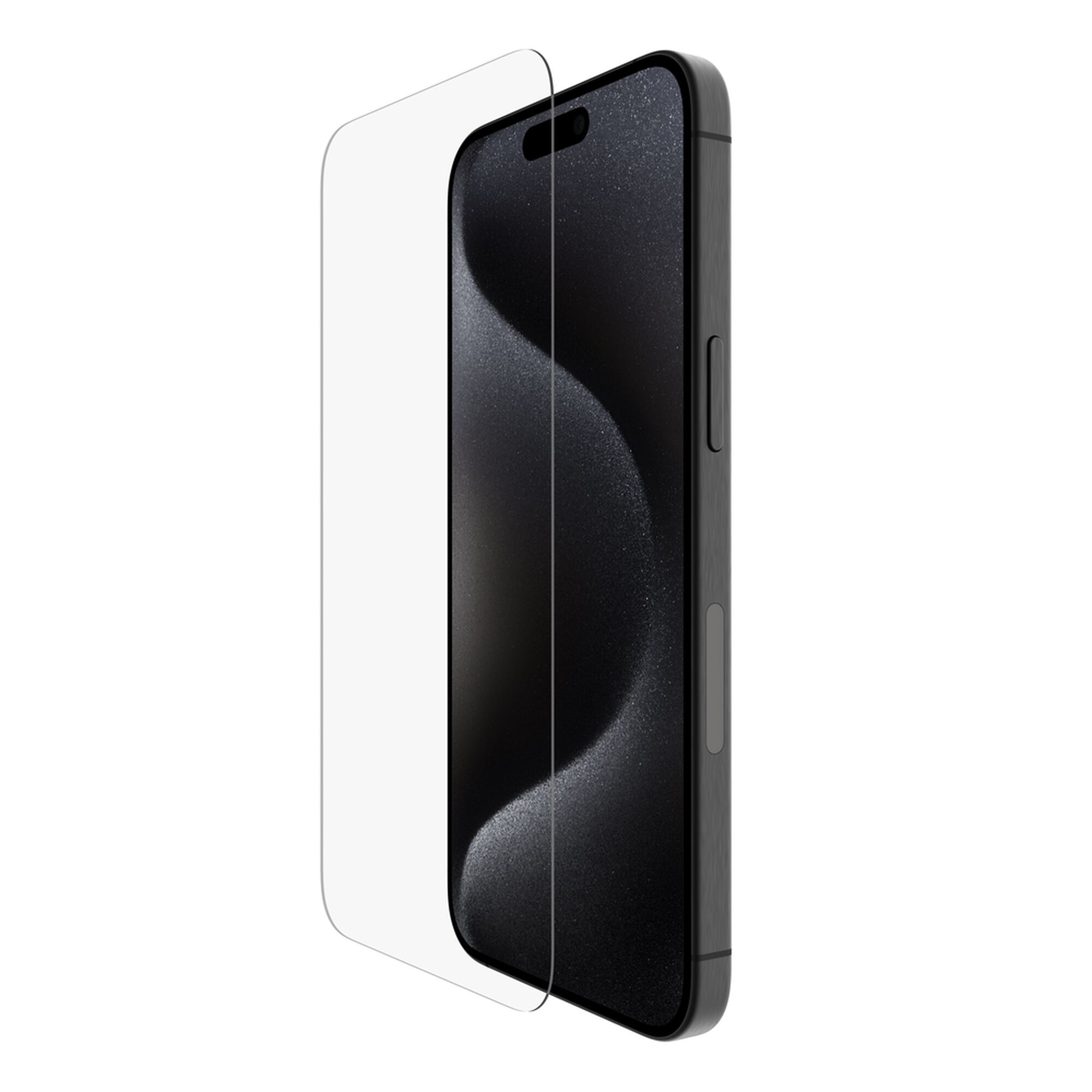
Belkin TemperedGlass Screen Protector for iPhone 15 Pro Max with Application System
$23.16$24.99
In stock
Cradlepoint
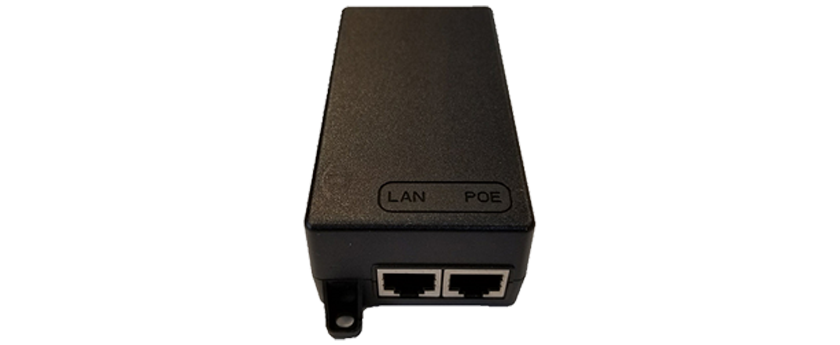
Cradlepoint 170732-001 PoE Injector, 56 V, with 1.8 m North America Type B Line Cord
$90.88$99.99
In stock
Cradlepoint
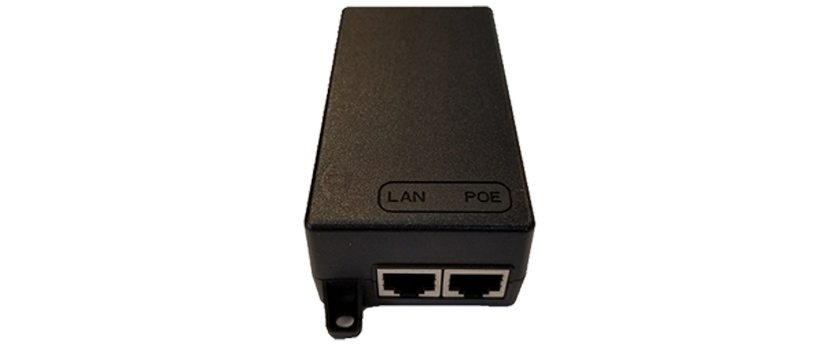
Cradlepoint PoE Injector, 56 V with 1.8 m North America C5 Line Cord (TAA-170732-001)
$91.49$99.99
In stock