

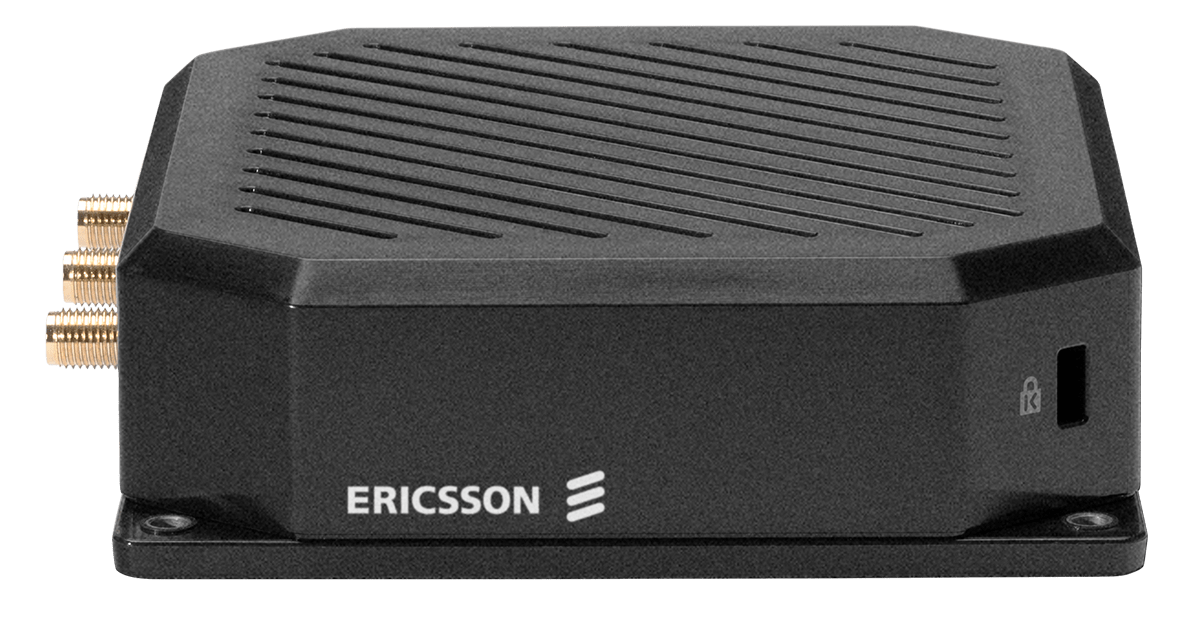
Cradlepoint
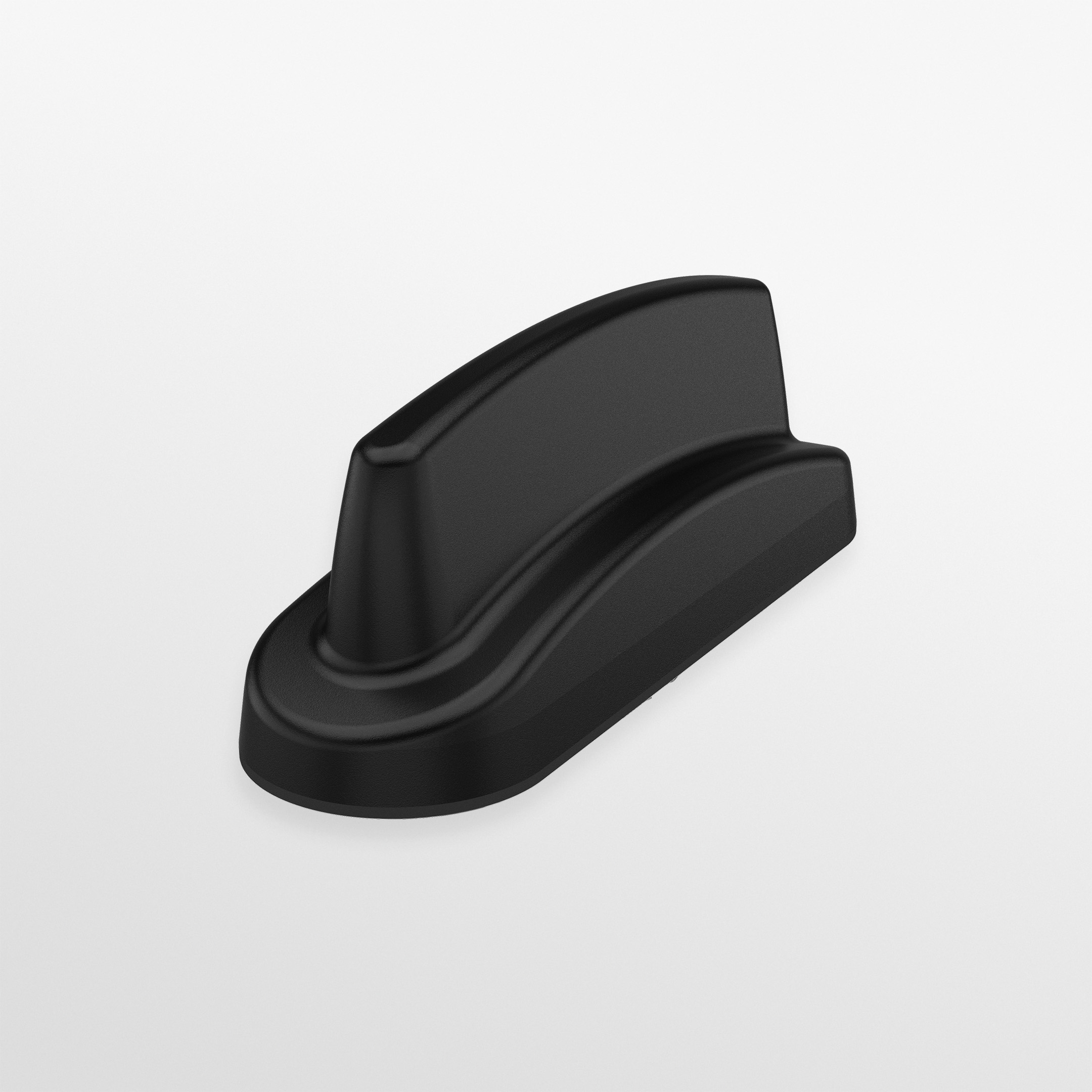
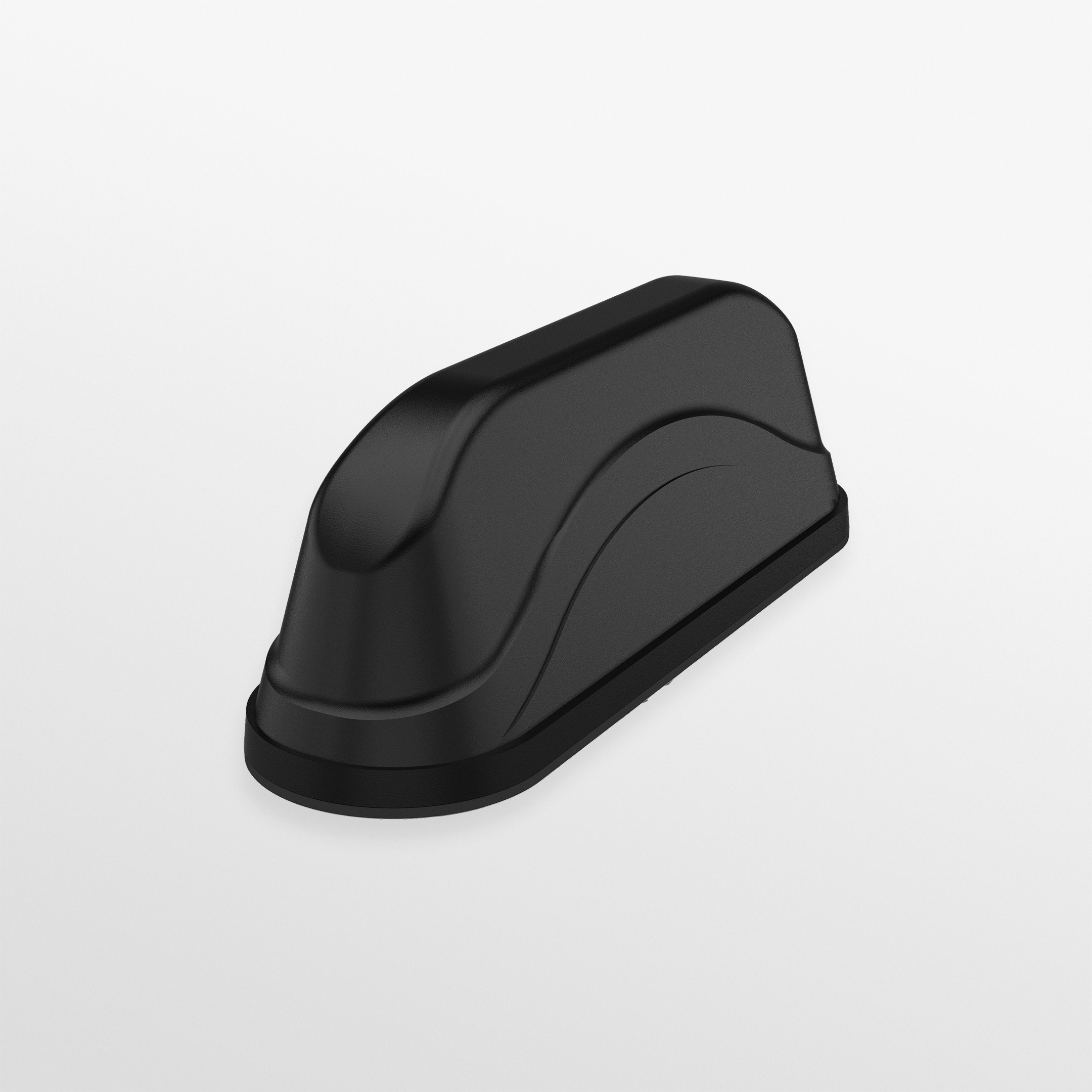
Cradlepoint S400 LTE Cat 6 IoT Router with Wi-Fi and 3-Year NetCloud IoT Essentials Plan (US & Canada)
- Device$447.46
- Standard 30GB plan$45/mo
$492.46today, then $45/mo
In stock · Today is the device plus the first month. No contract.

5G & LTE Routers
Cellular routers and firewalls for offices, vehicles and industrial sites.
Business
A 5G or LTE router sits next to your modem. If the wired line fails, traffic moves to cellular automatically and moves back when it recovers.

Failover router
A router with a WAN port for your existing modem plus a cellular modem
from $447.46
Standard 30GB plan
Covers most outages; step up if the backup must survive a carrier outage too
$45/mo
Optional antenna
Only if the router sits in a back room with weak signal
from $34.68
From simplest to most capable. Each kit is the device plus the plan below, in one step.
Cradlepoint
$492.46today, then $45/mo
In stock · Today is the device plus the first month. No contract.
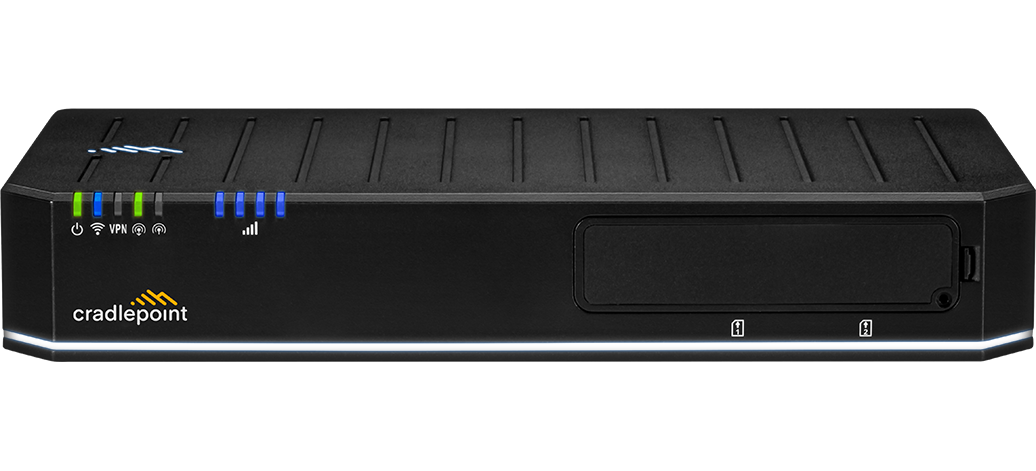
Cradlepoint
$2,404.93today, then $45/mo
In stock · Today is the device plus the first month. No contract.
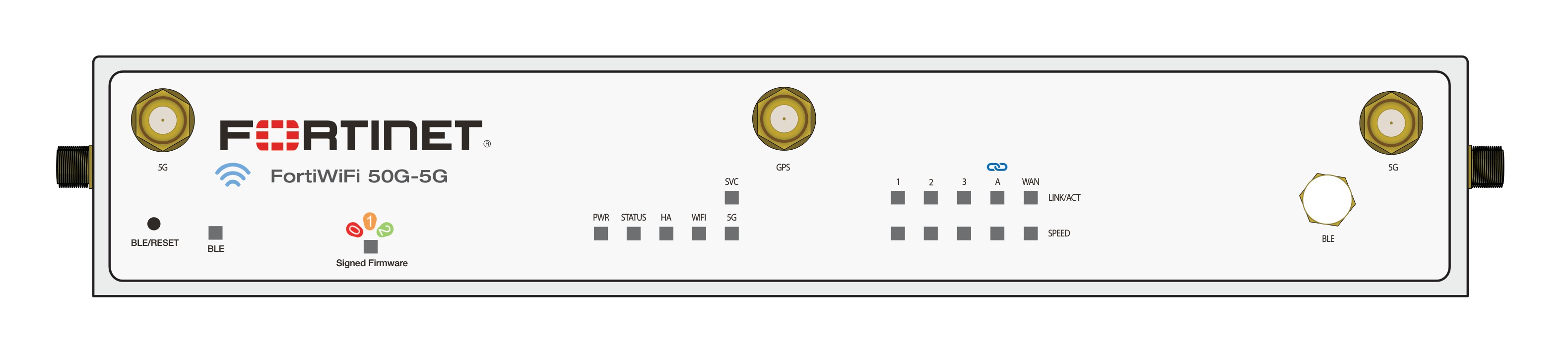
Fortinet
$1,967.57today, then $45/mo
In stock · Today is the device plus the first month. No contract.
Backup data is only used during outages, so 30GB is usually enough. Choose Unlimited Premium if the backup must also survive an outage on one carrier (it fails over between AT&T and Verizon).
$45/mo
High-speed 5G — great for a single always-connected device.
Best for: Backup lines, sensors, kiosks, one light-use device
$95/mo
Truly unlimited — never throttled, with AT&T & Verizon failover so you're always online.
Best for: Primary internet, or anything that must stay up during a carrier outage
Kits above include this plan. First month is charged at checkout, then month to month.Compare plans
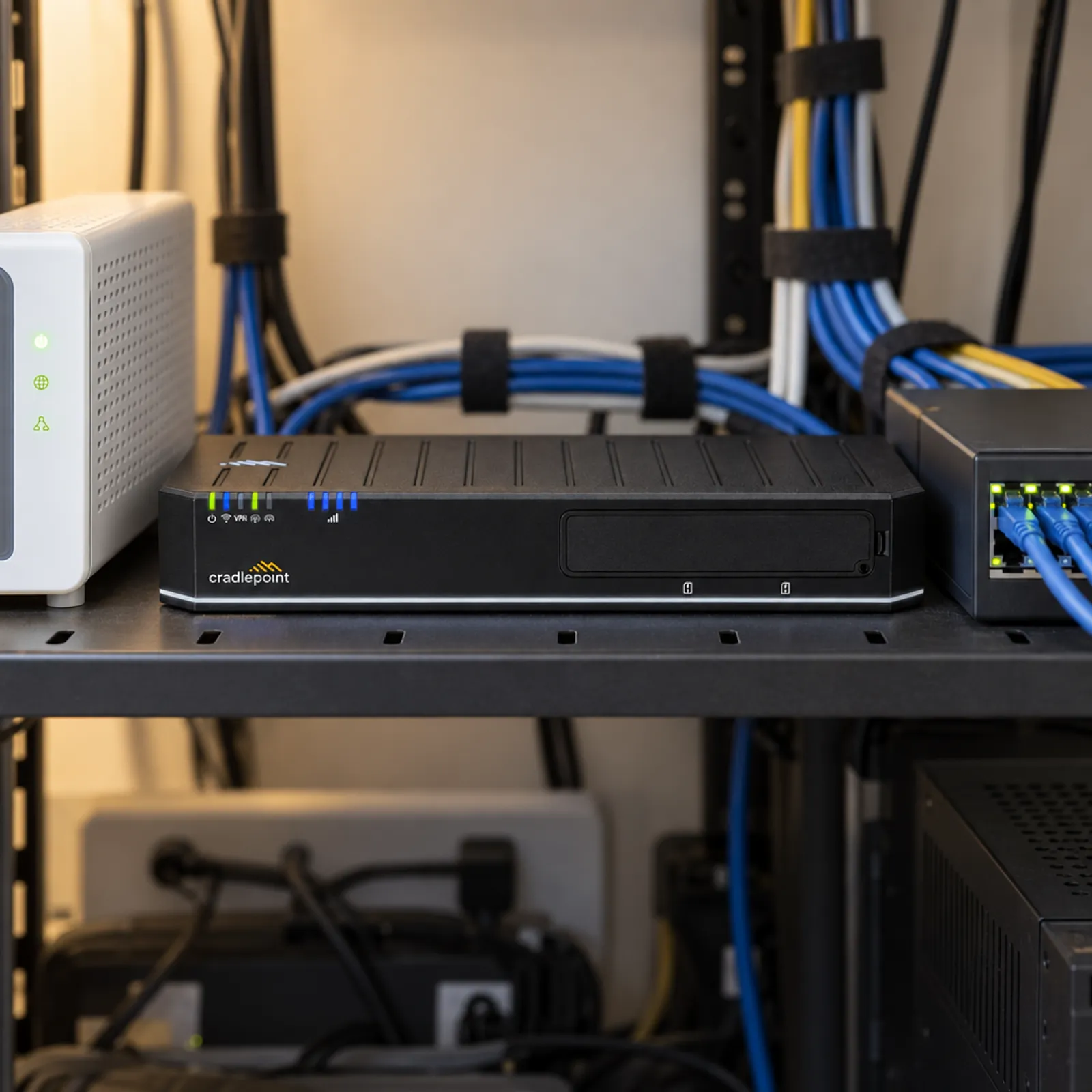
Where the hardware goes, and what it keeps running.


Cable and fiber go down for hours at a time: a cut line, a storm, an ISP fault. Card terminals, VoIP phones and cloud POS all stop with it. A second wired line from the same street usually fails the same way.
Check these off. Nothing is saved.
Business failover routers detect a dead wired link and switch in seconds to under a minute, depending on the router's health-check settings. Most sessions reconnect on their own.
Yes, as long as they connect through the router. Nothing changes on the devices; the router just uses cellular instead of the wired line.
Almost none on normal days. During an outage it uses what your business normally uses, so size the plan for your longest likely outage.
Only if you host services or use IP allow-lists. Most businesses do not; cloud POS and VoIP work over a standard cellular connection.
Unlimited Premium fails over between AT&T and Verizon, so a single-carrier outage does not take you offline.
If your current router has a USB or WAN failover port you can add a cellular modem or adapter; otherwise a dedicated failover router is the simpler fix.
92M+
calls were blocked by a single-carrier outage on Feb 22, 2024, including more than 25,000 calls to 911.
Source: FCC report on the AT&T Mobility outage (opens in a new tab)
Buying for several sites or vehicles?
Get one written quote for the hardware and the data plans. No minimum order.