





Opengear
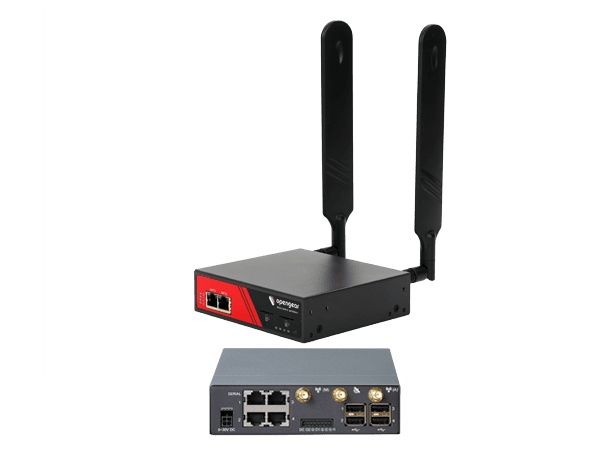
Opengear ACM7004-2-L-GLB 4-Port Console Server with 4G LTE Cellular and Dual SIM
- Device$1,415.91
- Standard 30GB plan$45/mo
$1,460.91today, then $45/mo
In stock · Today is the device plus the first month. No contract.

5G & LTE Routers
Cellular routers and firewalls for offices, vehicles and industrial sites.
IoT & remote sites
When a firewall or switch misconfiguration takes a site offline, a console server with LTE lets you log in and fix it without a truck roll.
LTE console server
Serial/USB console ports for each device
from $1,415.91
Standard 30GB plan
Console sessions use almost no data
$45/mo
Console cables
Matched to your equipment's console ports
From simplest to most capable. Each kit is the device plus the plan below, in one step.
Opengear
$1,460.91today, then $45/mo
In stock · Today is the device plus the first month. No contract.
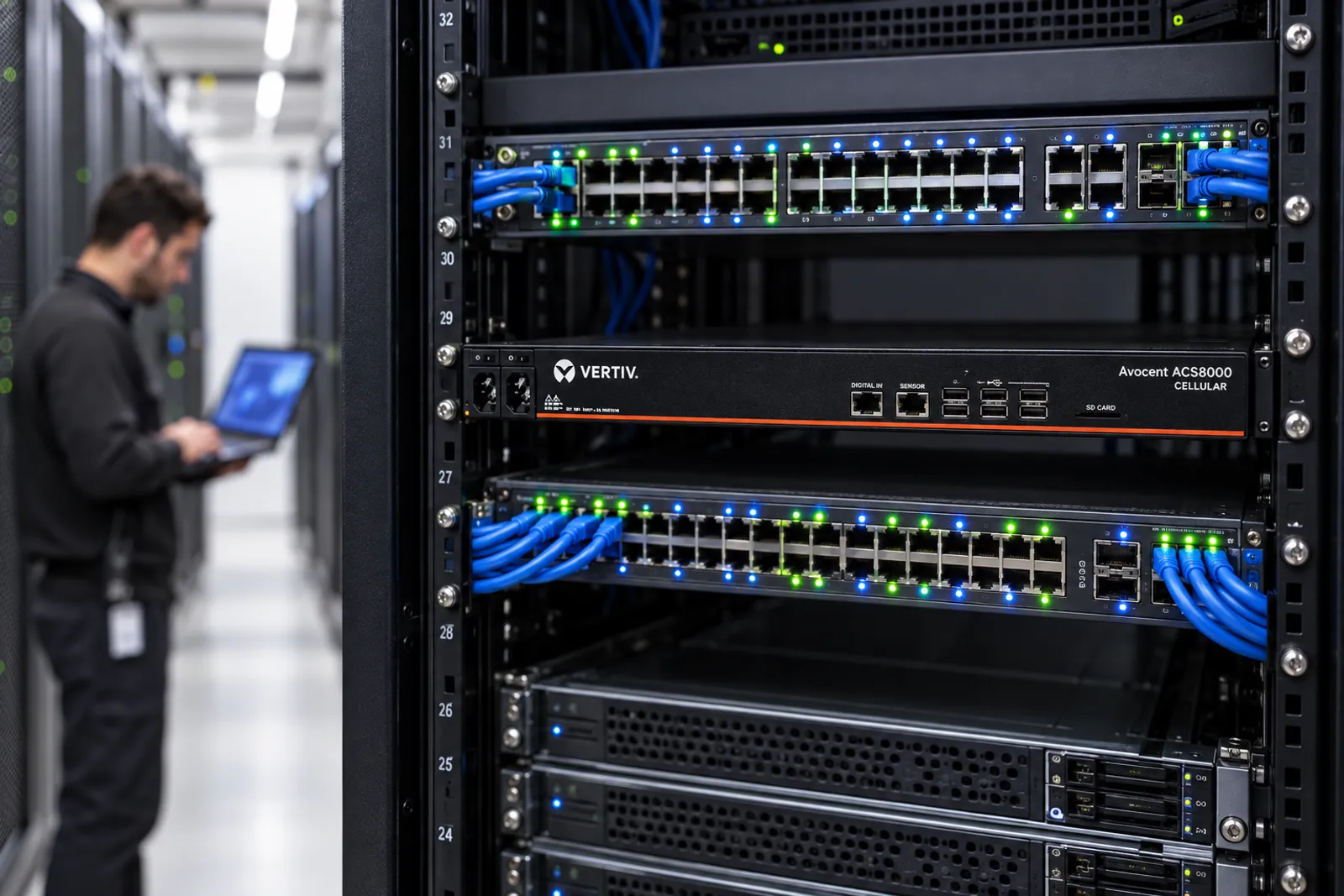
Opengear
$1,682.29today, then $45/mo
In stock · Today is the device plus the first month. No contract.
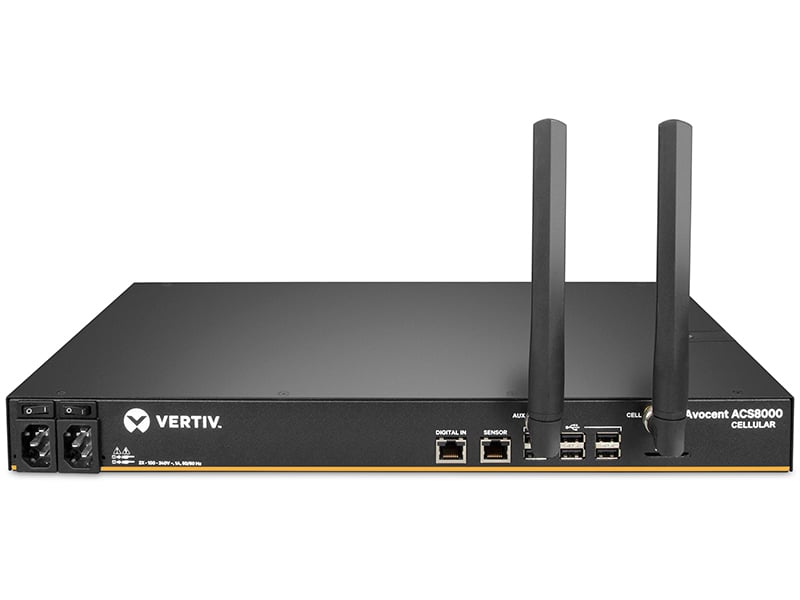
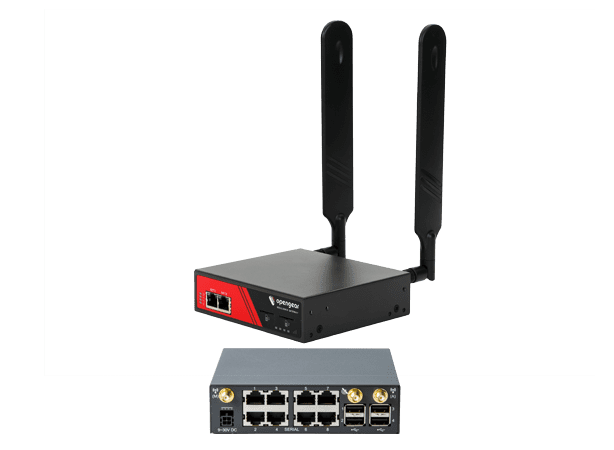
Vertiv
$4,373.39today, then $45/mo
In stock · Today is the device plus the first month. No contract.
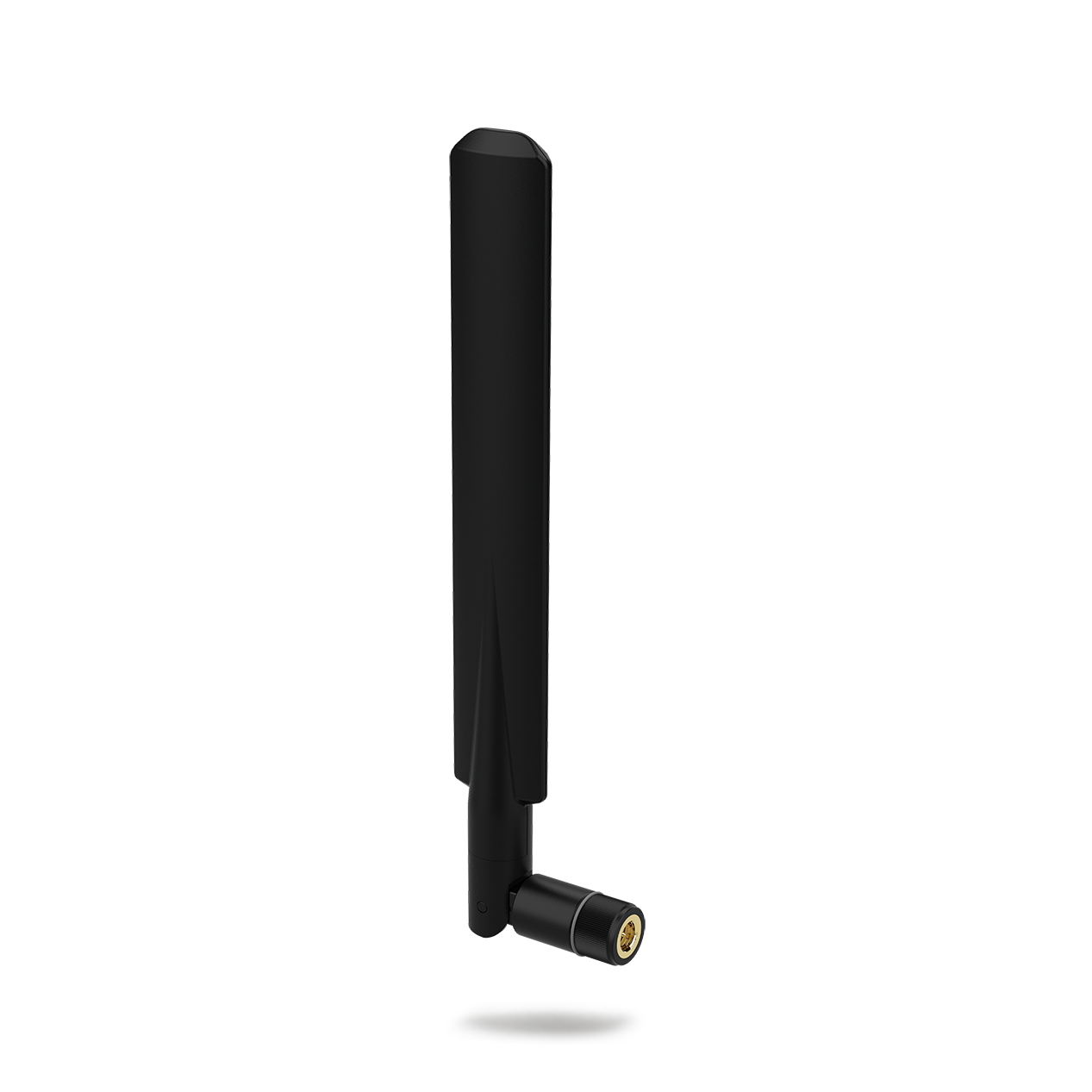
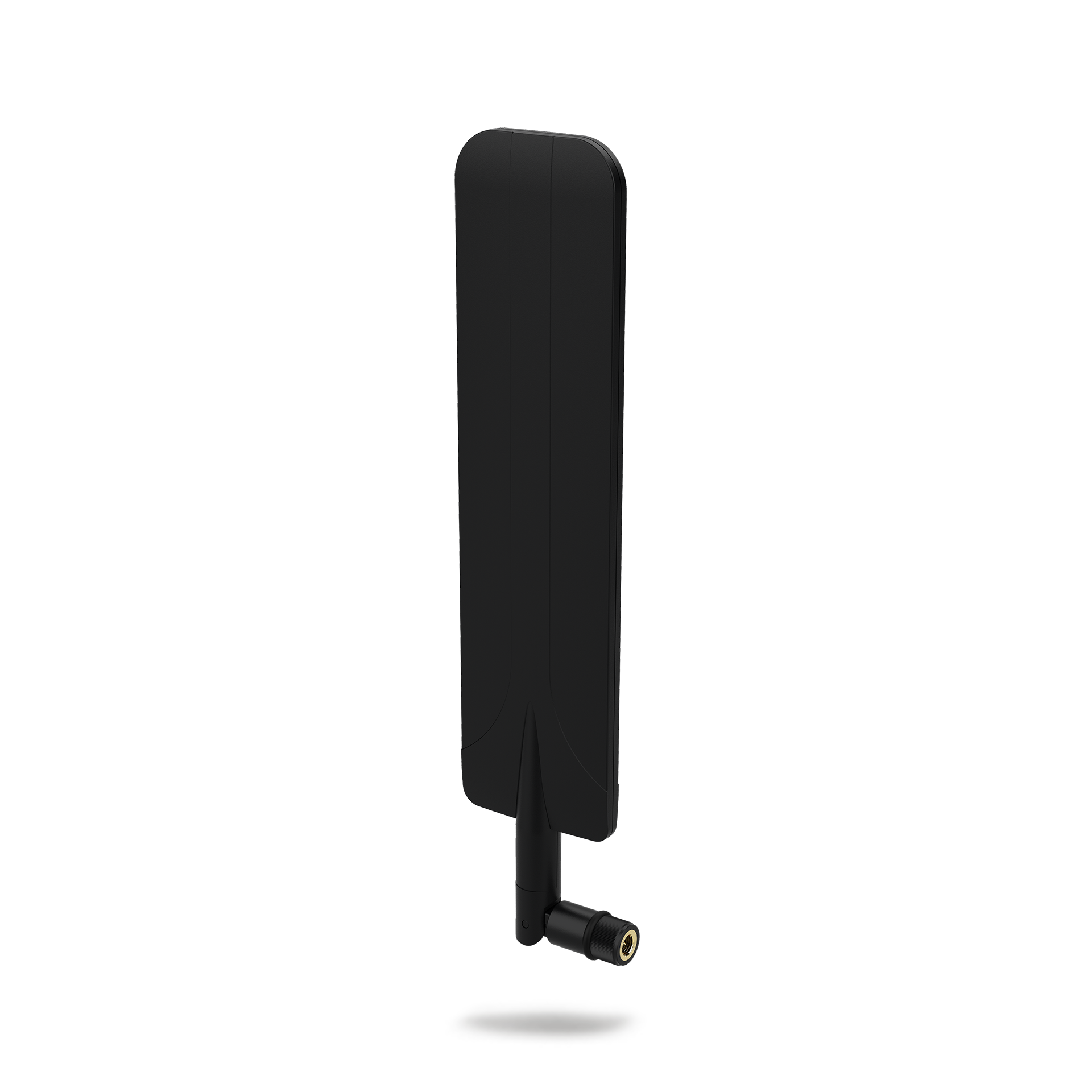
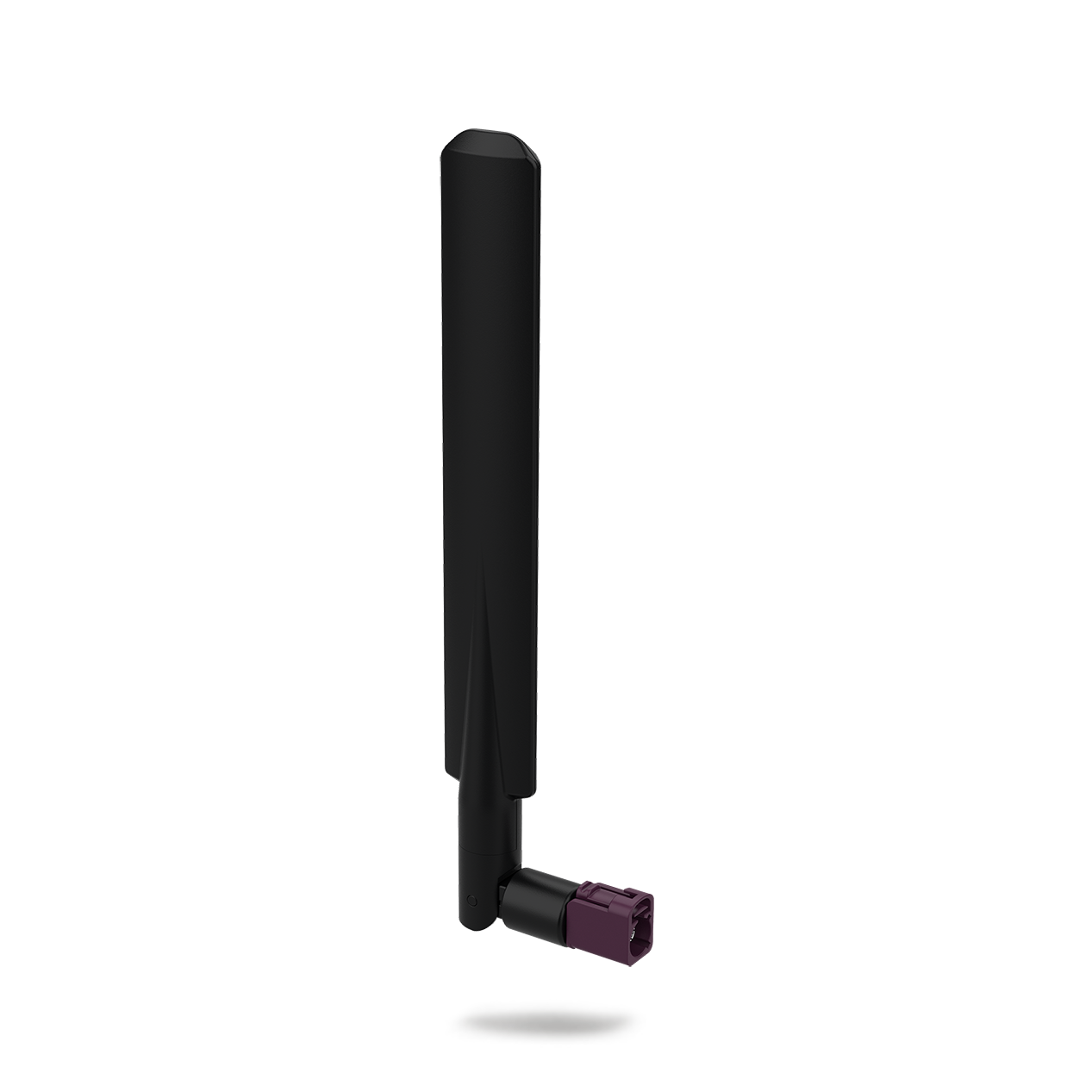
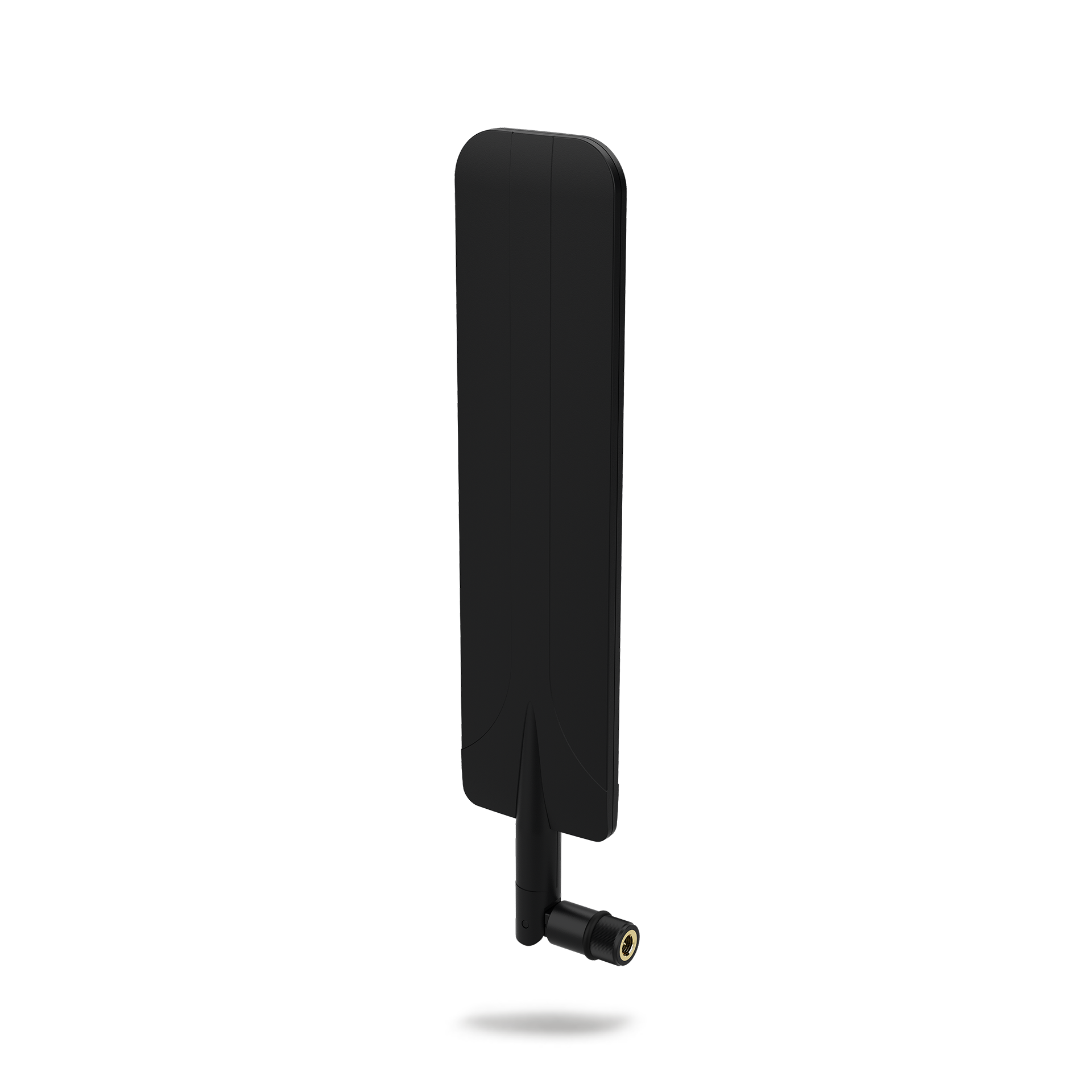
Racks are signal-poor; an adhesive or low-profile antenna on the cabinet top helps.
Console traffic is tiny; 30GB is far more than needed.
$45/mo
High-speed 5G — great for a single always-connected device.
Best for: Backup lines, sensors, kiosks, one light-use device
Kits above include this plan. First month is charged at checkout, then month to month.Compare plans
Where the hardware goes, and what it keeps running.
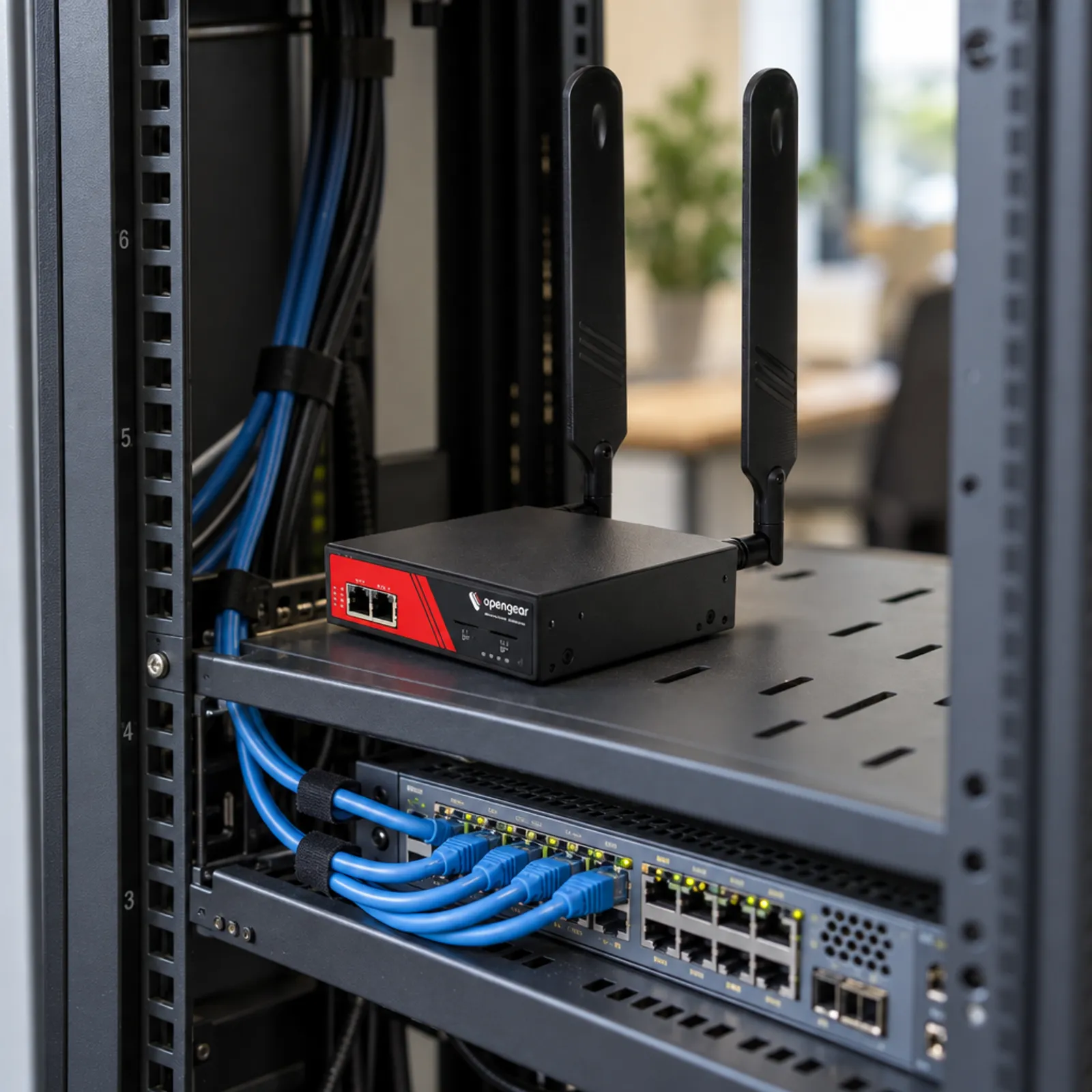
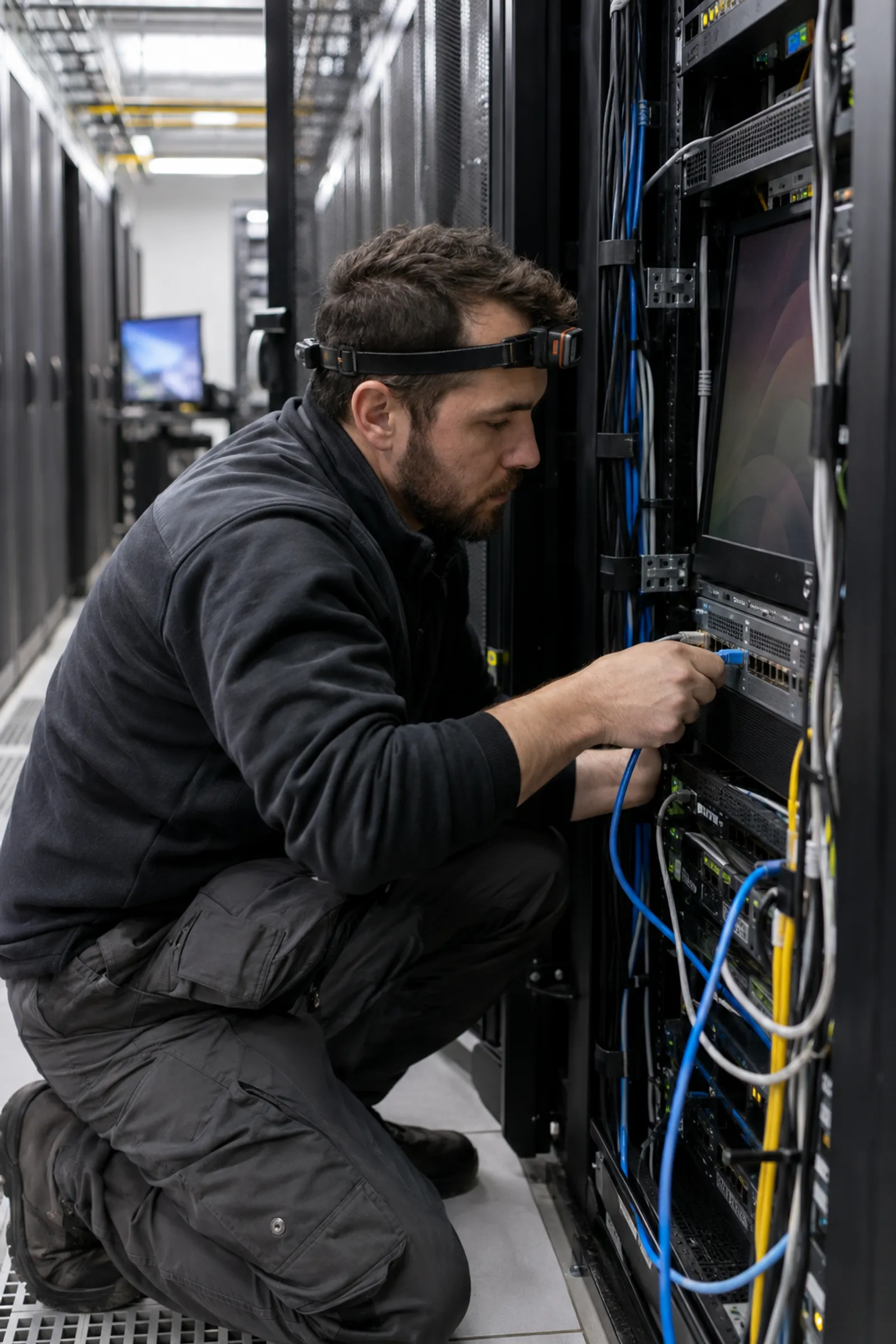

If the network is down, you cannot use the network to fix it. Remote sites and closets without on-site IT mean hours of downtime and a technician drive.
Check these off. Nothing is saved.
A separate path to your network equipment's console that does not rely on the production network, so you can fix it when it is down.
Very little. Console sessions are text; firmware pushes are the only larger transfers.
Usually not. Most console servers connect out to a management cloud or VPN, so you do not have to expose them to the internet.
Signal is often weak in closets; mount a small external antenna on the cabinet or run a cable to a wall.
Most enterprise gear uses RJ-45 or USB console ports; check the pinout (Cisco-style is most common) against the console server.
Buying for several sites or vehicles?
Get one written quote for the hardware and the data plans. No minimum order.