

Teltonika
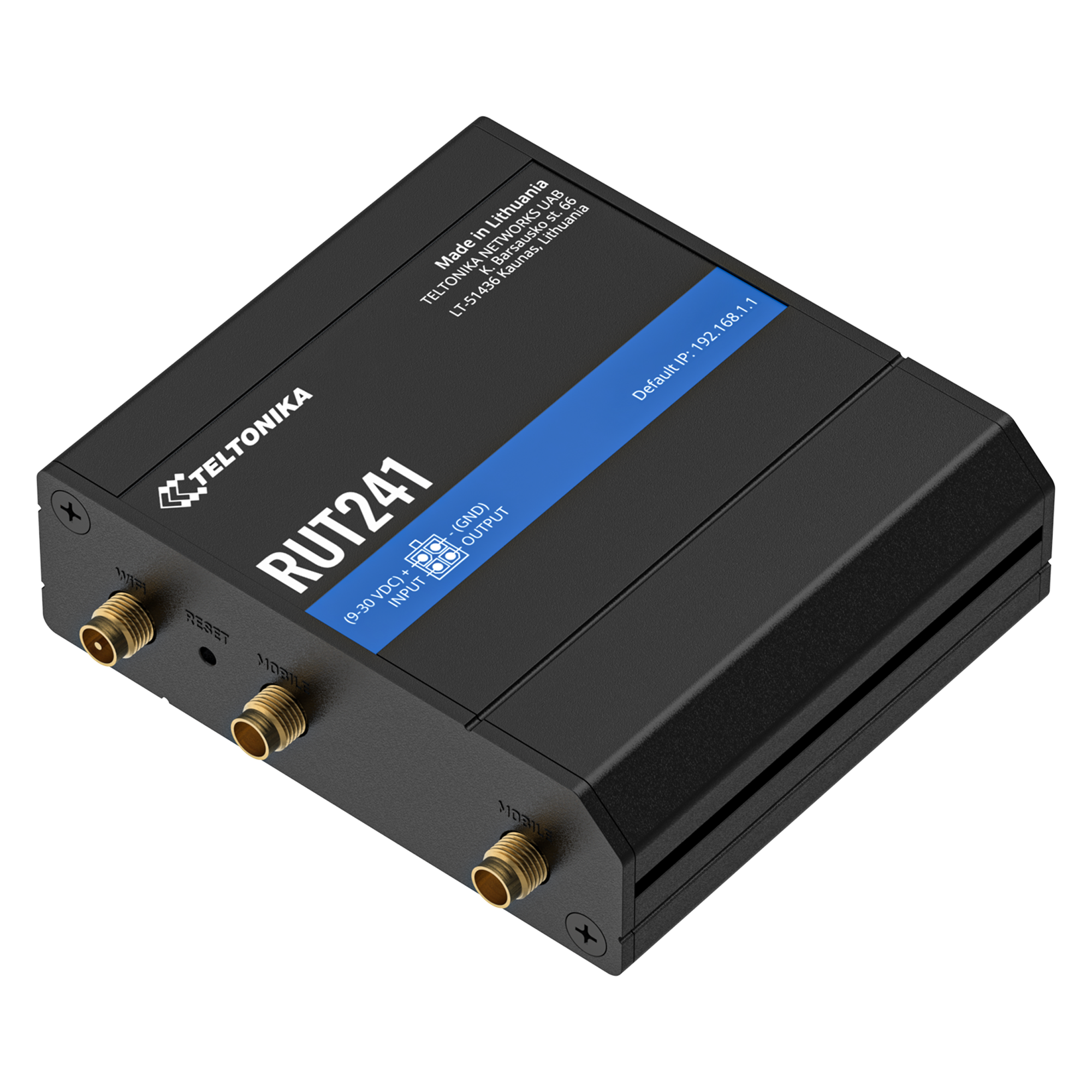
Teltonika RUT241 Industrial 4G LTE Cat 4 Router with Wi-Fi, Global Version (RUT241033000)
- Device$179.05
- Standard 30GB plan$45/mo
$224.05today, then $45/mo
In stock · Today is the device plus the first month. No contract.

5G & LTE Routers
Cellular routers and firewalls for offices, vehicles and industrial sites.
IoT & remote sites
A compact cellular router inside each screen, kiosk, ATM or charger keeps it off the host building's network, so it installs anywhere and stays secure.
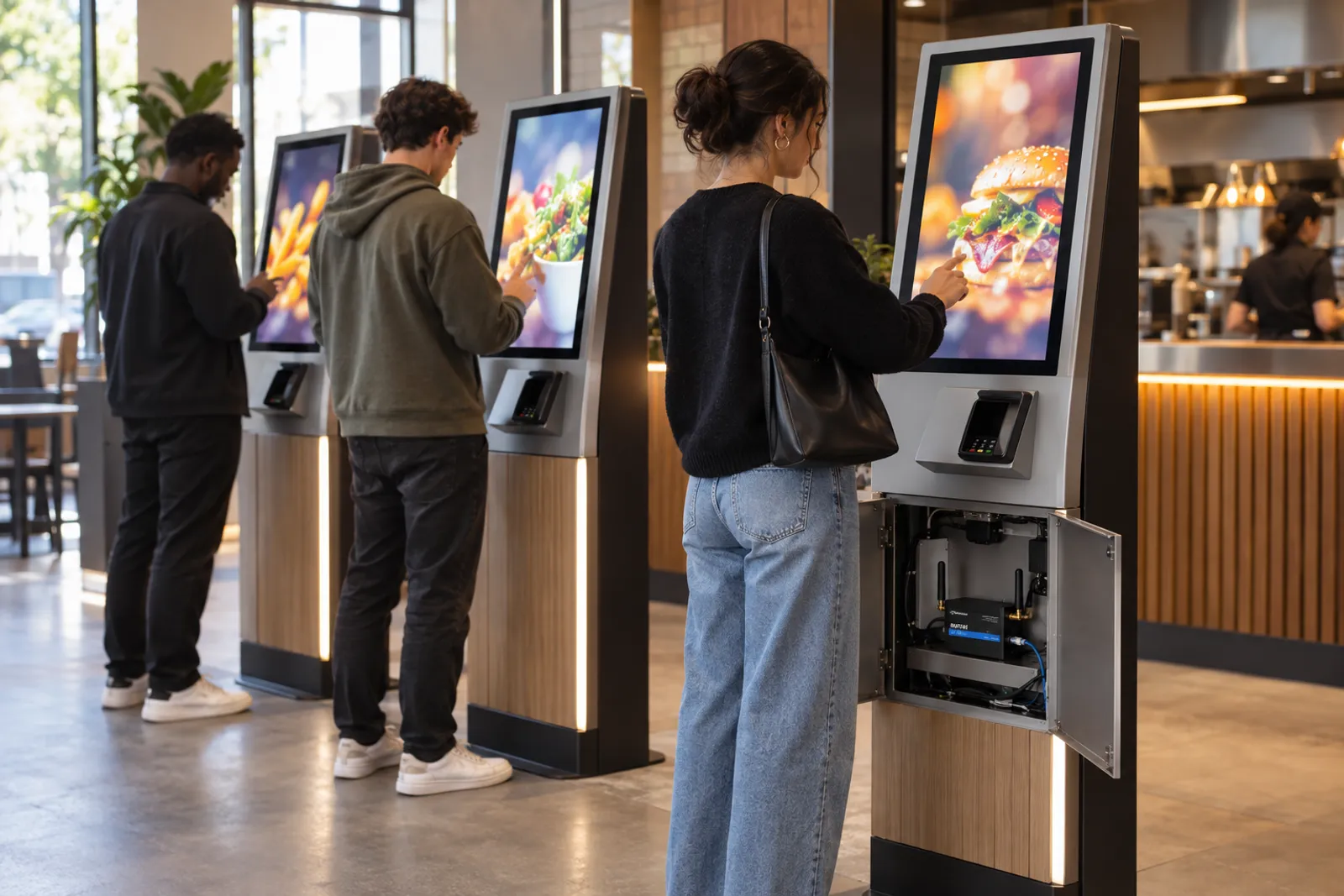
Compact LTE router
One per screen, kiosk or ATM
from $179.05
Standard 30GB plan
Content cached locally keeps data low
$45/mo
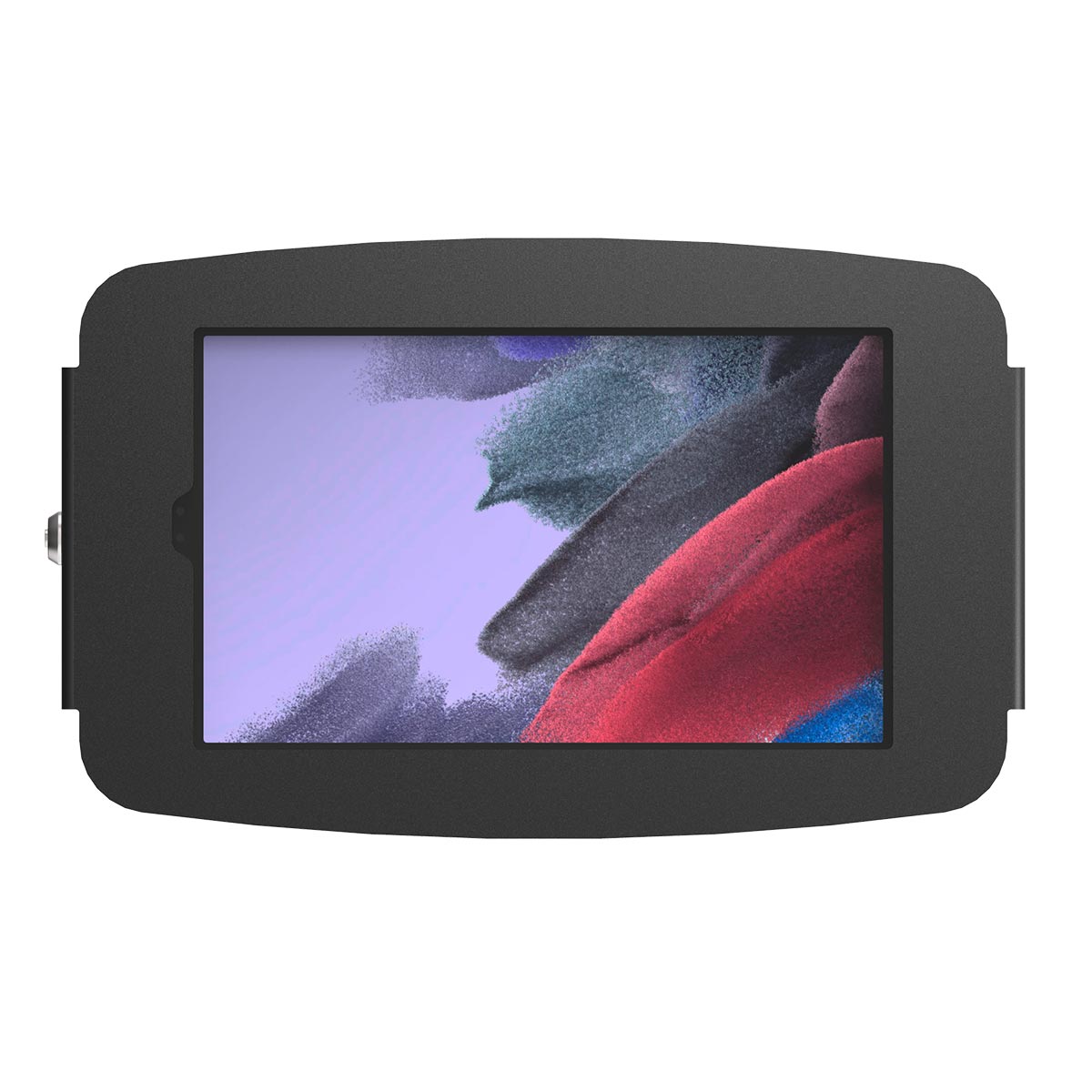
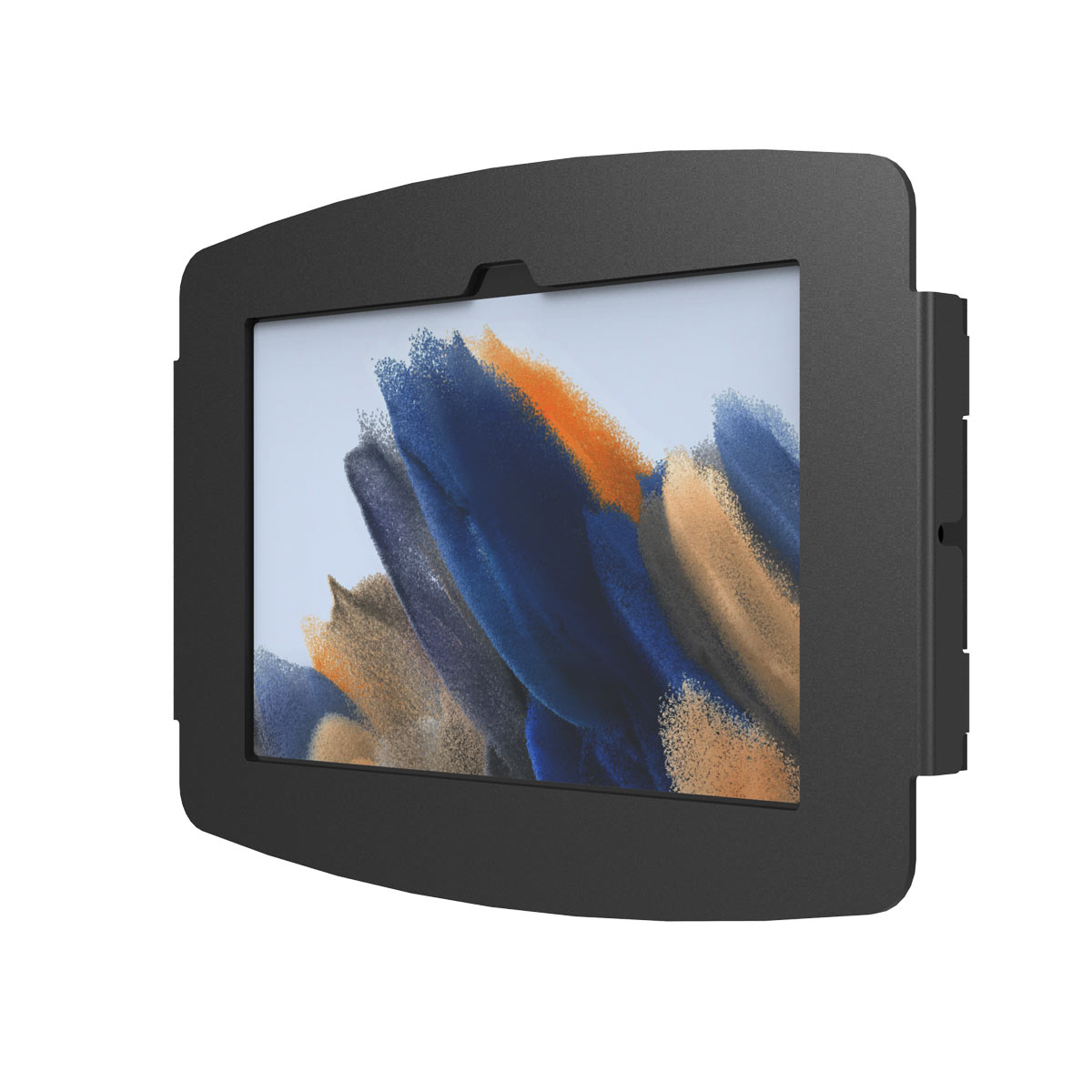
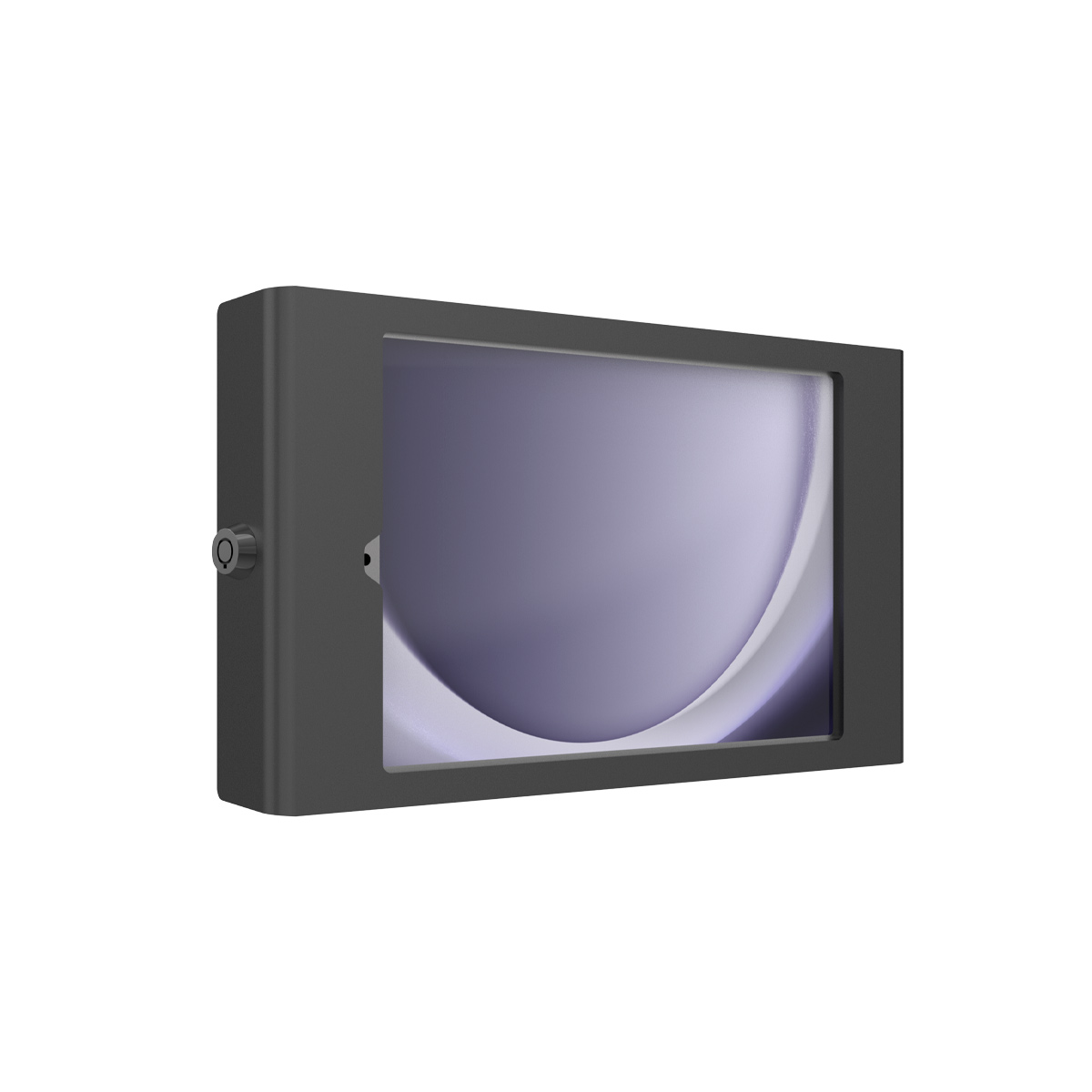
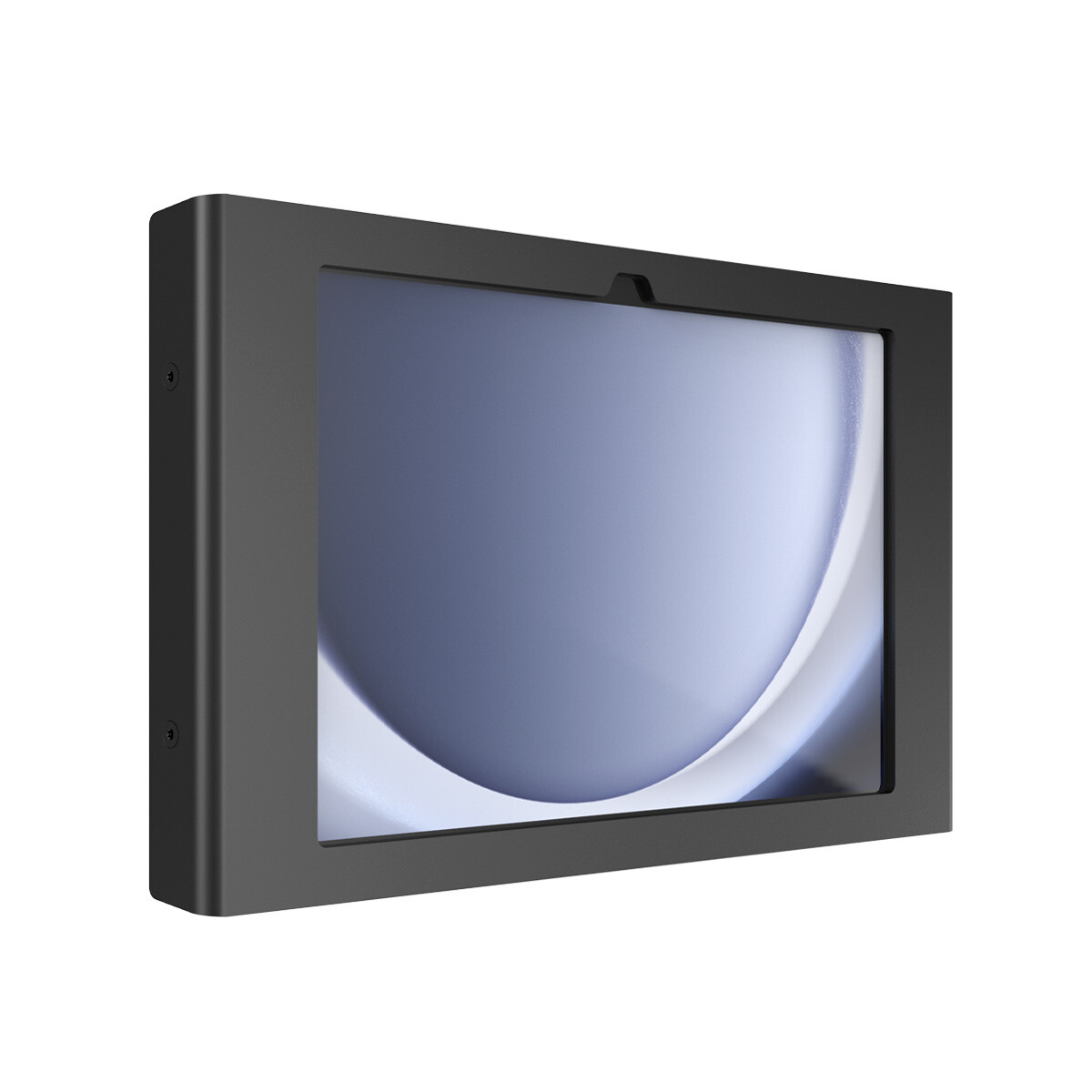
Tablet + enclosure (for kiosks)
Locked, brandable stands and wall mounts
from $85.33
From simplest to most capable. Each kit is the device plus the plan below, in one step.
Teltonika
$224.05today, then $45/mo
In stock · Today is the device plus the first month. No contract.
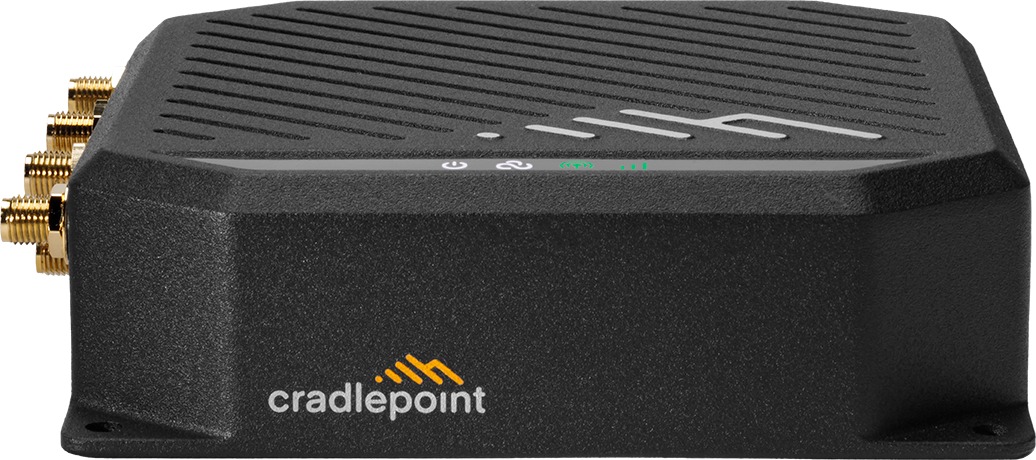
Cradlepoint
$625.00today, then $45/mo
In stock · Today is the device plus the first month. No contract.
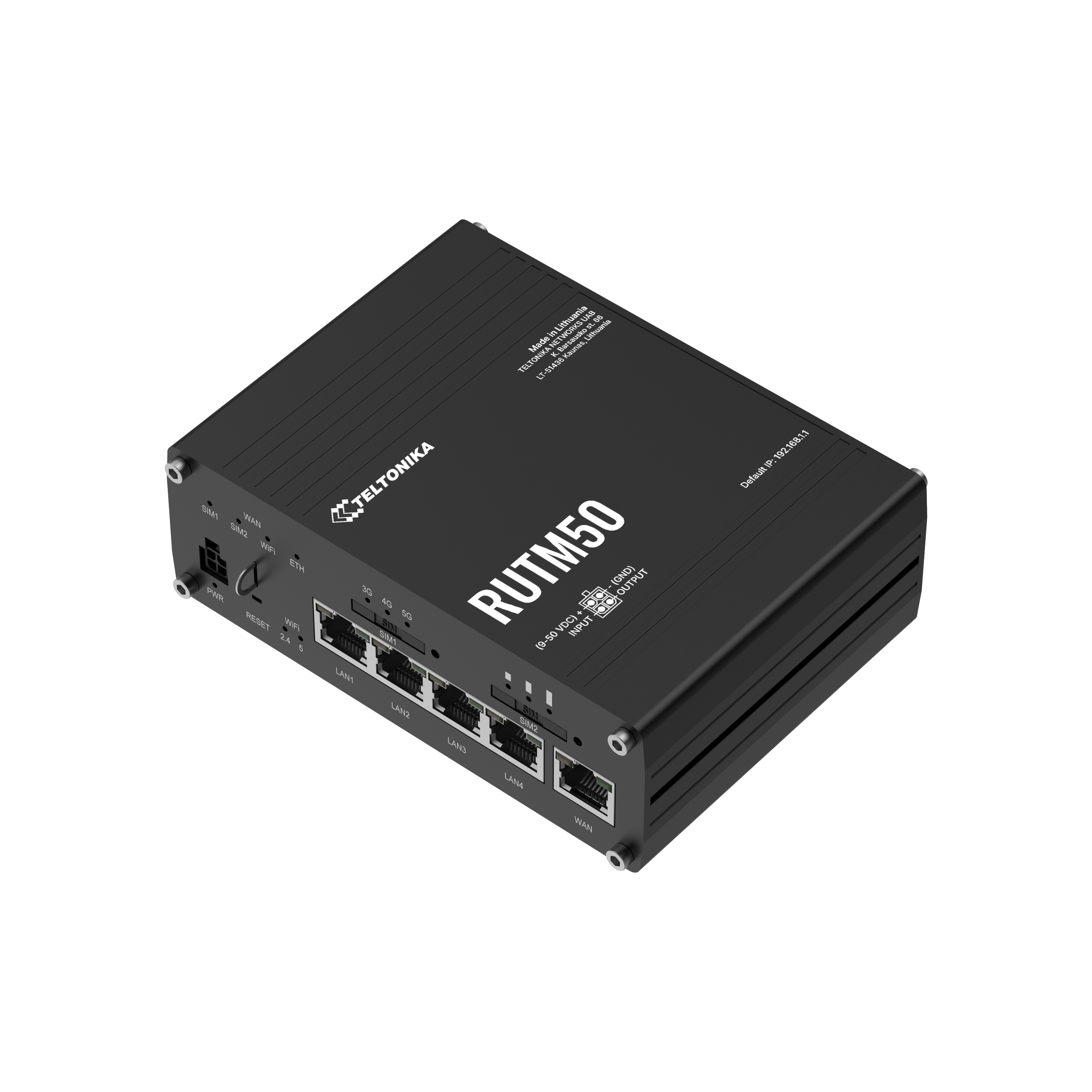
Teltonika
$594.49today, then $45/mo
In stock · Today is the device plus the first month. No contract.
Signage players cache content and sync overnight. Choose Unlimited for frequent video updates or live feeds.
$45/mo
High-speed 5G — great for a single always-connected device.
Best for: Backup lines, sensors, kiosks, one light-use device
$75/mo
Full-speed 5G up to 300GB/mo, then throttled for the rest of the cycle.
Best for: Daily use: a small team, a vehicle, a household
Kits above include this plan. First month is charged at checkout, then month to month.Compare plans
Where the hardware goes, and what it keeps running.
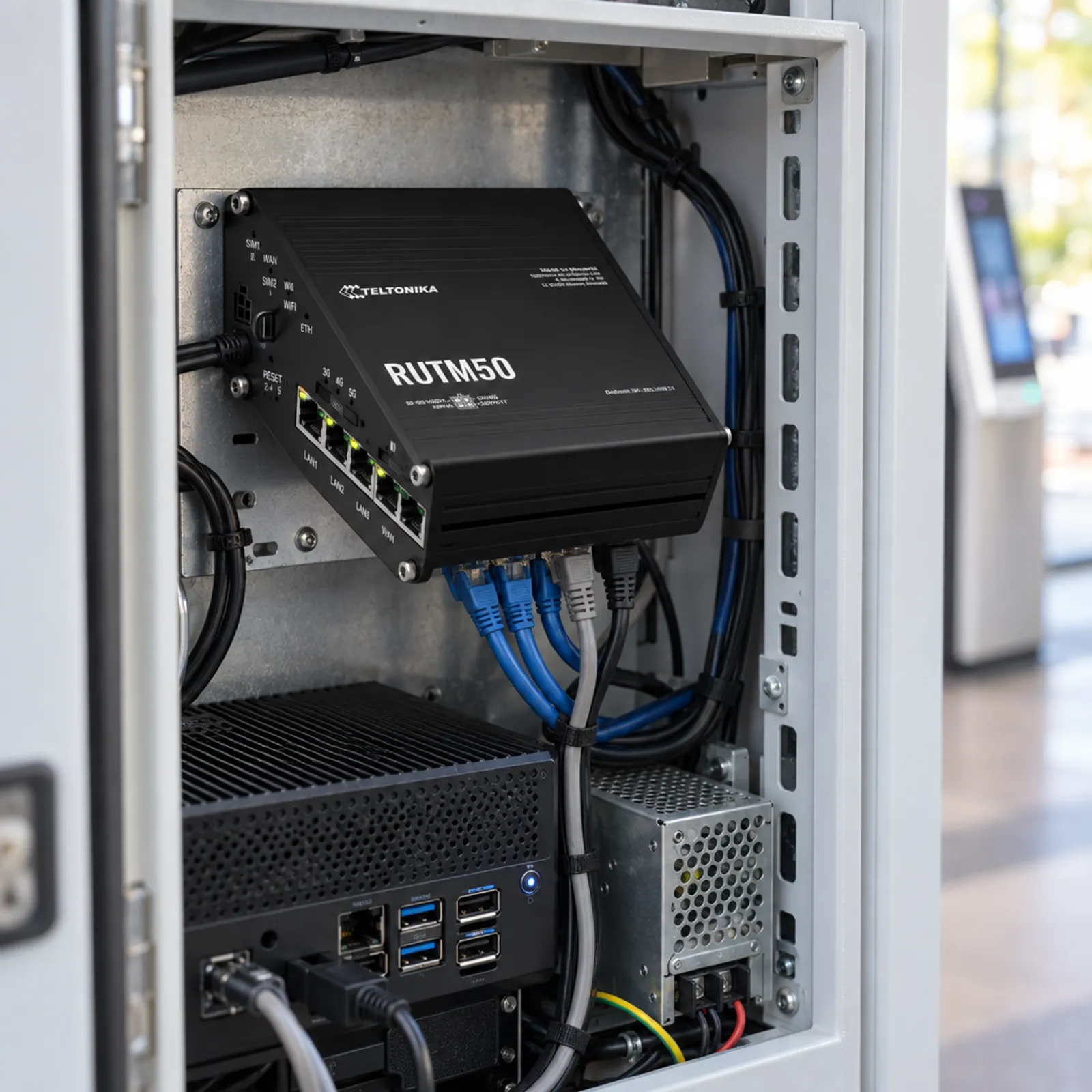

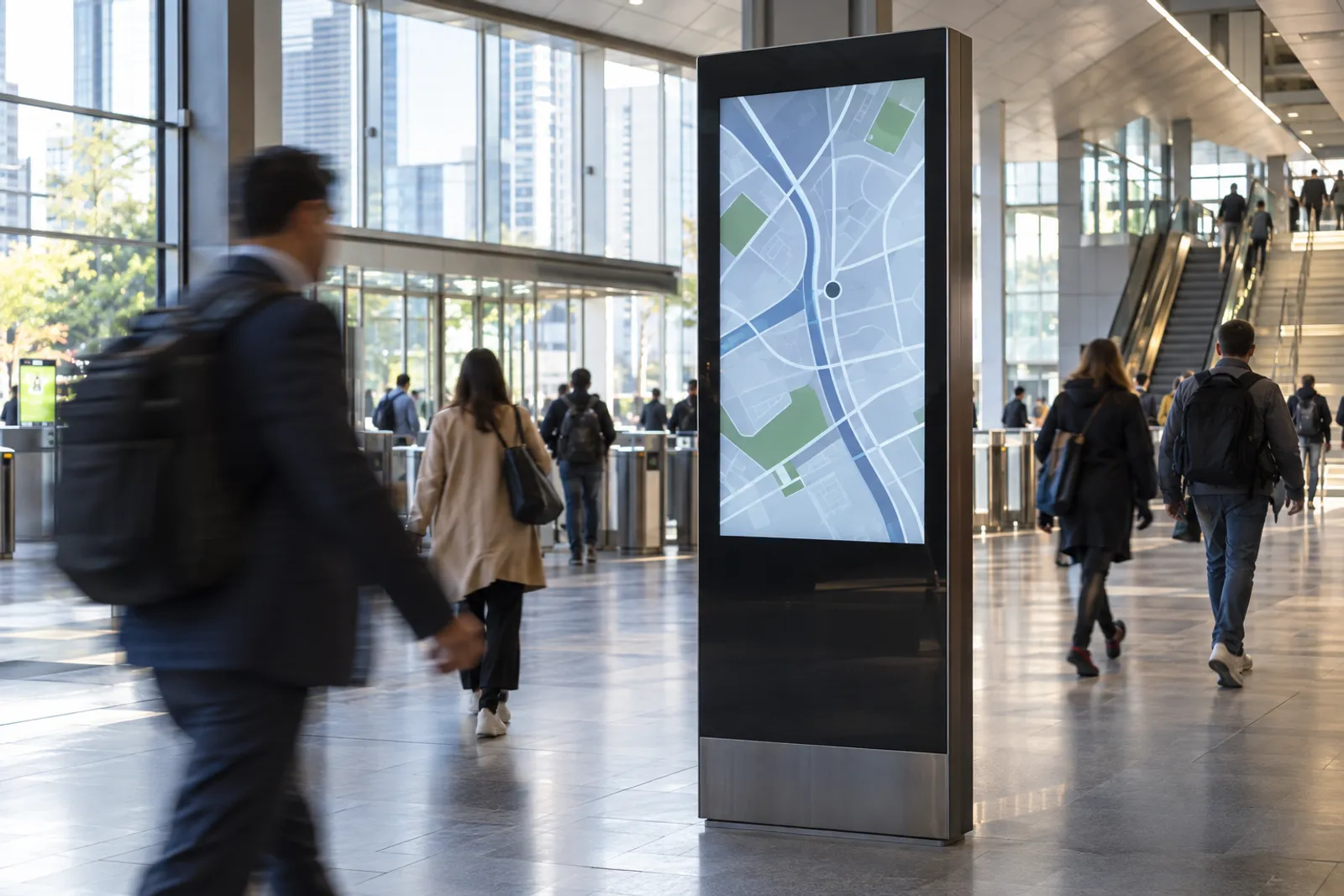
Getting a screen or kiosk onto someone else's network means IT tickets, firewall changes and shared risk. Many locations (malls, lobbies, gas stations) have no network you are allowed to use.
Check these off. Nothing is saved.
It depends on how often content changes. Players that cache locally and update overnight use little; live video feeds use much more.
A separate cellular connection avoids IT approvals, keeps your device off someone else's network and keeps working if their network goes down.
Yes. Cloud-managed routers let you see status and reboot devices across all locations.
Yes. Compact industrial LTE routers are commonly used for ATMs, lockers and vending; check your processor's connectivity requirements.
Yes, if the machine has an Ethernet port or supports an external cellular router. Check the maker's connectivity requirements first.
Galaxy Tab and iPad models that fit the enclosure you choose. Use kiosk mode in your MDM to lock the app.
Buying for several sites or vehicles?
Get one written quote for the hardware and the data plans. No minimum order.