

Cloud Care Networks

On the move

In-vehicle Wi-Fi and fleet connectivity

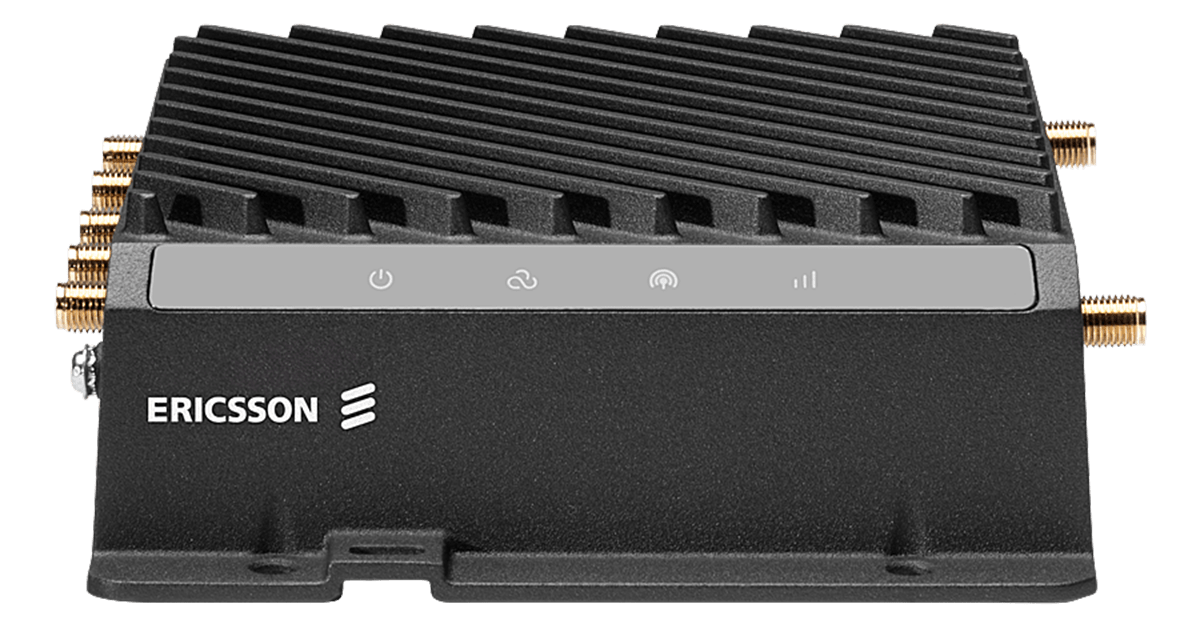
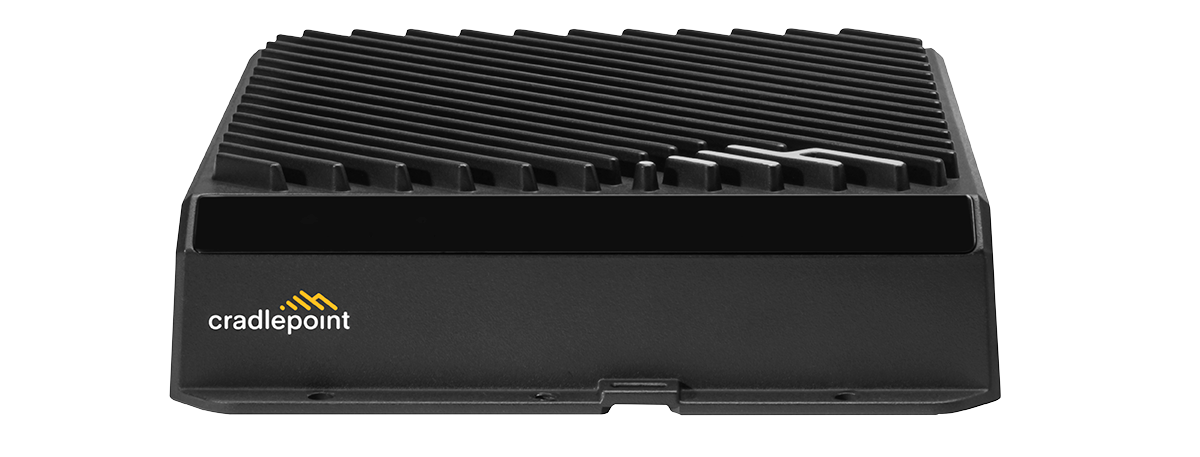
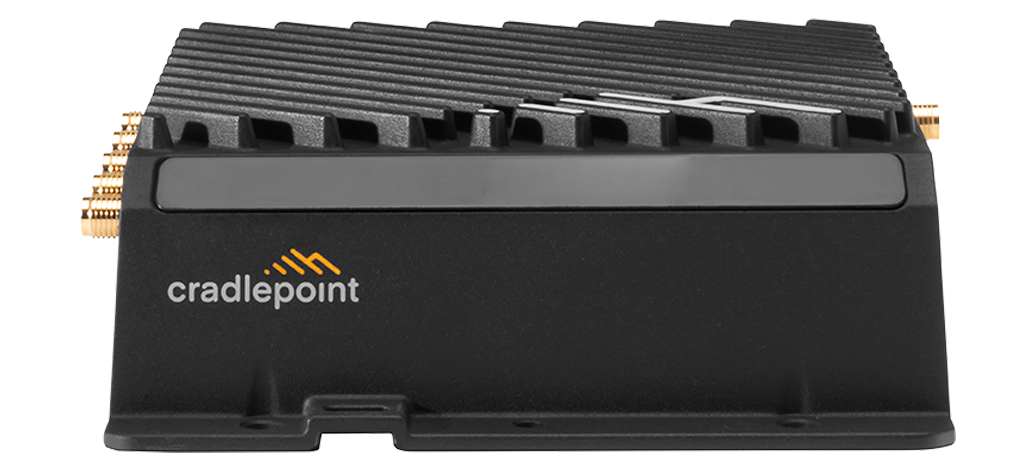
A rugged mobile router runs on vehicle power, connects to a roof antenna and gives every device in the vehicle one reliable connection.

Service van fleet with roof-mounted cellular antennas

What you need

  1. Rugged vehicle router

    12V power, GPS, built to handle vibration

    from $869.30

  2. Roof or glass-mount antenna

    The single biggest improvement to in-motion signal

    from $134.70

  3. Unlimited plan

    Per vehicle; Premium for vehicles that cannot drop

    $75/mo

  • No contract
  • No credit check
  • Devices arrive pre-activated
Not sure? Find my setup

Which plan

Unlimited handles video uploads and crew Wi-Fi. Use Premium for vehicles that must never drop, such as ambulances and utility trucks.

  • Best fit for fleet & vehicle wi-fi

    Unlimited

    $75/mo

    Full-speed 5G up to 300GB/mo, then throttled for the rest of the cycle.

    Best for: Daily use: a small team, a vehicle, a household

  • Also a fit

    Unlimited Premium

    $95/mo

    Truly unlimited — never throttled, with AT&T & Verizon failover so you're always online.

    Best for: Primary internet, or anything that must stay up during a carrier outage

Kits above include this plan. First month is charged at checkout, then month to month.Compare plans

In the field

Where the hardware goes, and what it keeps running.

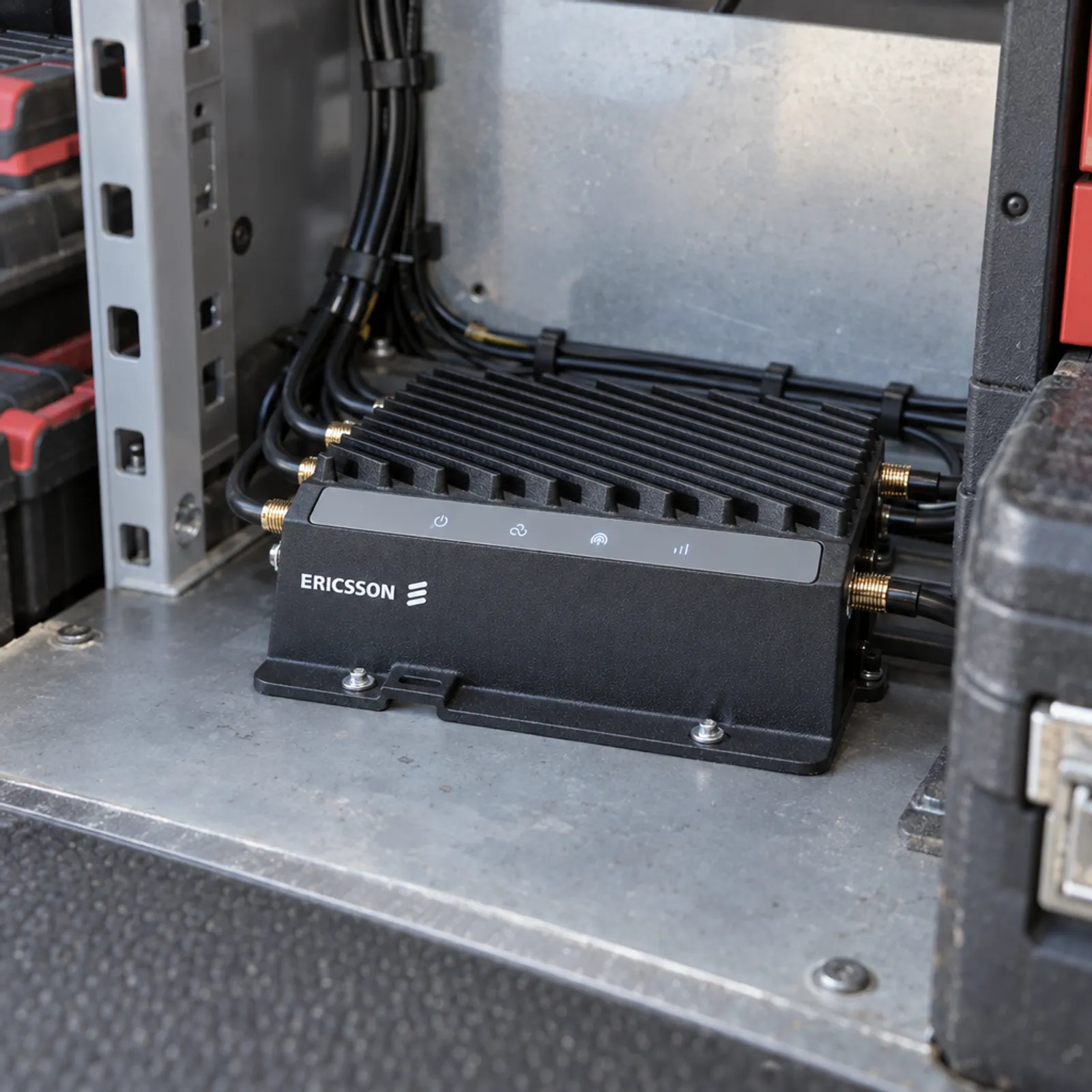
Vehicle router installed in a service van
Installed, not loose on the dash
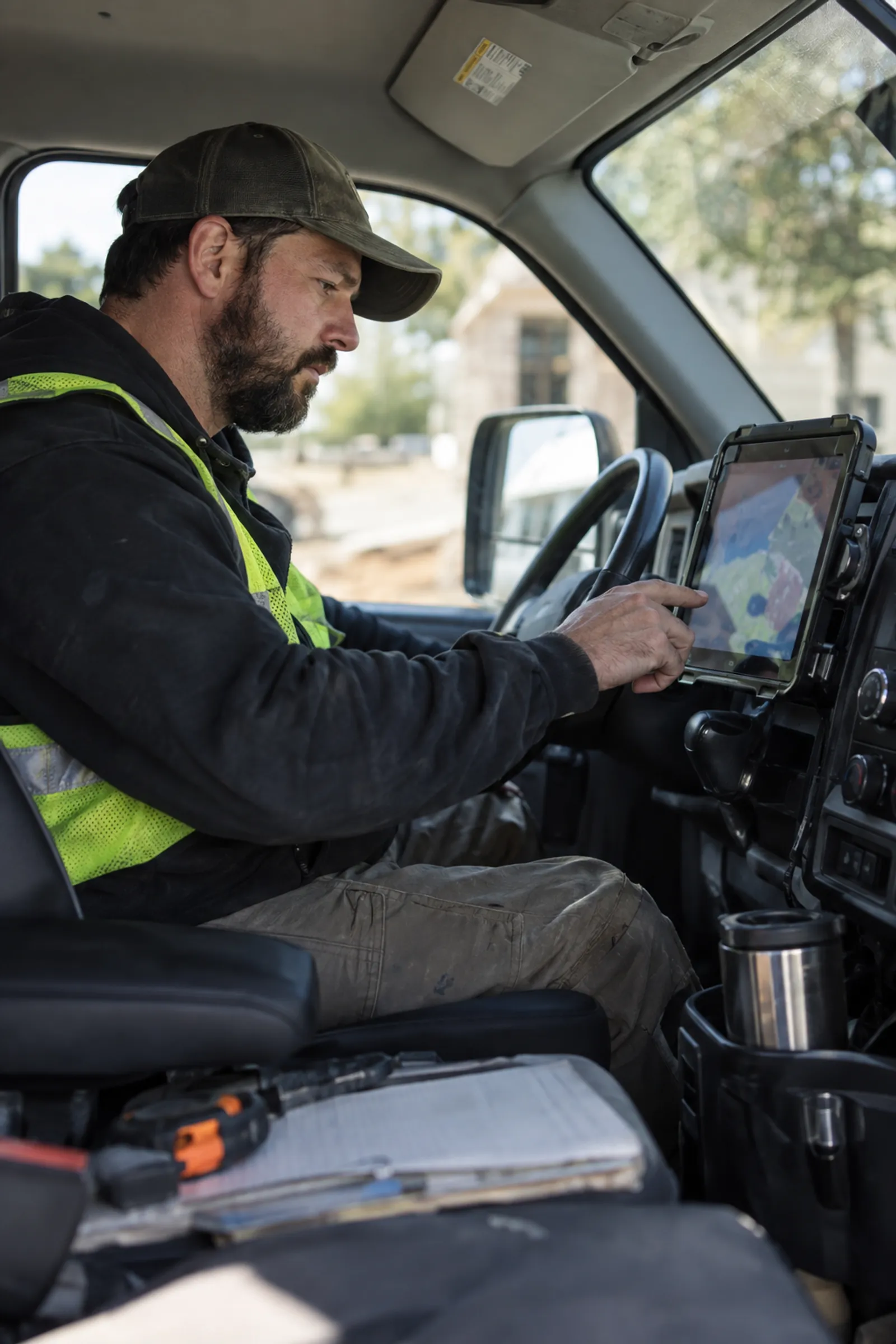
Technician completing a work order in the van
Work orders done in the van
Passengers online on a shuttle bus
Wi-Fi for every seat

How it works

Phones and hotspots inside a metal vehicle lose signal, overheat and drain batteries. Laptops, tablets, dash cams and card readers each need their own connection, and nobody can see which vehicle is offline.

  1. The router mounts under a seat or in the cab and runs on 12V vehicle power.
  2. A roof antenna carries cellular and GPS; the router shares Wi-Fi inside the vehicle.
  3. Fleet managers see location and connection status in the router's cloud dashboard.
One router per vehicle, one antenna on the roof.
  • Cellular
  • Wired
  • Wi-Fi
  • Roof antenna to Cell tower: cellular
  • Cell tower to Fleet dashboard: wired
  • Vehicle router to Roof antenna: wired
  • Vehicle router to In the cab: wi-fi

Before you buy

Check these off. Nothing is saved.

Questions

Why not just use a phone hotspot?

A vehicle router uses a roof antenna, runs on vehicle power, stays on all shift and connects cameras and fixed equipment. Phones overheat and drop devices.

Does the router drain the vehicle battery?

Vehicle routers support ignition sensing and delayed shutdown so they power down after the engine is off.

Do I need a roof antenna?

Strongly recommended. A metal roof blocks signal; an external antenna is the biggest single improvement to in-motion connectivity.

Can I track vehicle location?

Yes, routers with GNSS report location to their cloud dashboard and can feed your dispatch software.

How much data does a vehicle use?

It depends on video. Telematics alone is small; dash cam uploads and crew Wi-Fi are large, which is why Unlimited is the default.

Can passengers use the Wi-Fi?

Yes. Set up a separate guest network so passenger traffic stays away from vehicle systems.

Related use cases

Buying for several sites or vehicles?

Get one written quote for the hardware and the data plans. No minimum order.

Request a deployment quote →