

1 / 9
NetgearAccessories
Netgear Nighthawk Mobile Hotspot Cradle with Dual Gigabit LAN (MD200)
MPN MD200-10000S
- 1 device
Made for Netgear
$97.24$141.36Save $44.12
Backordered · ships as soon as it arrives
- 30-day returns on unopened devices
- Secure checkout · pay by card
Datasheets & documents
Overview
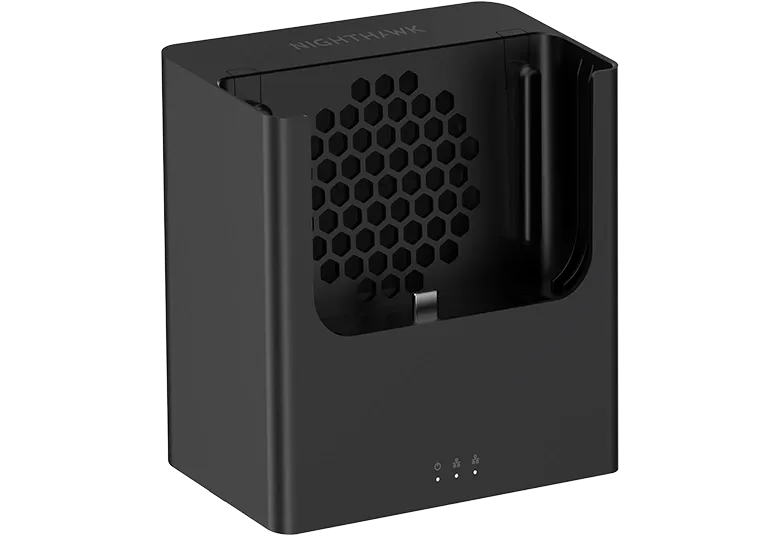
The Netgear Nighthawk Mobile Hotspot Cradle (MD200-10000S) is a desktop dock that keeps a Nighthawk hotspot charged through USB Power Delivery 2.0 passthrough and adds two Gigabit Ethernet ports for wired devices. An active cooling fan supports 24/7 operation, and passthrough holes route external antenna cables. NETGEAR lists compatibility with the Nighthawk M3, M6, M6 Pro, M7, M7 Pro and M7 Ultra with the latest firmware installed.
- Two 1GbE RJ45 LAN ports with 1000/100/10 Mbps auto-negotiation
- USB Power Delivery 2.0 passthrough keeps the docked hotspot charged
- Active cooling fan for continuous 24/7 operation of M3, M6 and M7 devices
- Two external antenna cable passthrough holes
- Status LEDs for Power, LAN and WAN
- Compatible with Nighthawk M3, M6, M6 Pro, M7, M7 Pro and M7 Ultra with the latest firmware
- Turns a portable Nighthawk hotspot into an always-on desktop internet gateway
- Wires in PCs, printers or an office router that lack Wi-Fi or need a stable link
The MD200 turns a Nighthawk mobile hotspot into a stable desktop gateway. Dock the hotspot and the cradle keeps it charged via USB Power Delivery 2.0 passthrough. Two 1GbE RJ45 ports (1000/100/10 Mbps auto-negotiation) provide wired connections for a PC, printer, POS terminal or office router. For more wired devices, connect a NETGEAR switch to the cradle.
Hotspots running around the clock can slow down as they heat up, so the MD200 includes an active cooling fan designed to keep M3, M6 and M7 devices running continuously without performance loss. Two external antenna cable passthrough holes let you route antenna leads cleanly to the hotspot, so you can add an external antenna to strengthen a weak 5G signal. Status LEDs show power, LAN and WAN state at a glance.
NETGEAR lists the cradle as working with the Nighthawk M3, M6, M6 Pro, M7, M7 Pro and M7 Ultra when the latest firmware is installed. Connections are USB 3.1 Type-C, one female and one male. System requirements are an available USB 3.1 Type-C port and Windows XP/Vista/7/8/10/11, Mac OS 10.5 and above, or Linux. The cradle measures 107.5 x 112 x 80 mm and weighs 248 g, and setup is plug-and-play.
The box contains the MD200 cradle. NETGEAR publishes a technical specification sheet and a user manual for the MD200.
Ideal for
- Always-on desktop internet from a Nighthawk hotspot in a small office or home office
- Wired connections for PCs, printers or POS terminals at a branch or pop-up site
- Feeding an office router or NETGEAR switch from a docked hotspot
- 24/7 hotspot deployments that need active cooling and constant charging
- Adding an external antenna to a docked hotspot at a weak-signal location
Specifications
Ports
- USB
- One USB 3.1 Type-C female; one USB 3.1 Type-C male
- Antenna
- Two external antenna cable passthrough holes
- Ethernet
- Two 1GbE RJ45 ports, 1000/100/10 Mbps auto-negotiation
Power
- Power
- USB Power Delivery 2.0 passthrough
General
- MPN
- MD200-10000S
- UPC
- 606449172652
- Brand
- Netgear
- Model
- MD200
- Product
- Nighthawk Mobile Hotspot Cradle
- Manufacturer
- NETGEAR
Features
- Leds
- Status LEDs (Power/LAN/WAN)
- Cooling
- Active cooling fan
- Ease OF Use
- Plug-and-play, portable
Physical
- Weight
- 248 g (0.55 lb)
- Dimensions
- 107.5 x 112 x 80 mm (4.23 x 4.41 x 3.15 in)
Compatibility
- Compatible Hotspots
- Nighthawk M3, M6, M6 Pro, M7, M7 Pro and M7 Ultra (latest firmware required)
Package Contents
- IN The Box
- Nighthawk Mobile Hotspot Cradle (MD200)
- Shipping Weight
- 1.00 lb
Warranty Support
- Support
- 90-day complimentary technical support (authorized reseller purchases)
- Warranty
- NETGEAR limited warranty (authorized reseller purchases)
System Requirements
- Requirements
- Available USB 3.1 Type-C port; Windows XP/Vista/7/8/10/11, Mac OS 10.5 and above, or Linux
Questions buyers ask
Which hotspots work with the MD200 cradle?
NETGEAR lists the Nighthawk M3, M6, M6 Pro, M7, M7 Pro and M7 Ultra, with the latest firmware installed on the hotspot.
How many wired devices can I connect?
The cradle has two 1GbE RJ45 ports for two wired devices. You can connect more by attaching a NETGEAR switch.
Does the cradle charge the hotspot?
Yes. It keeps the docked hotspot charged through USB Power Delivery 2.0 passthrough.
Why does it have a fan?
The active cooling fan is designed to support continuous 24/7 operation of M3, M6 and M7 hotspots without heat-related performance loss.
Can I use an external antenna with a docked hotspot?
Yes. The cradle has two passthrough holes for routing external antenna cables to the hotspot.
More Accessories
Belkin
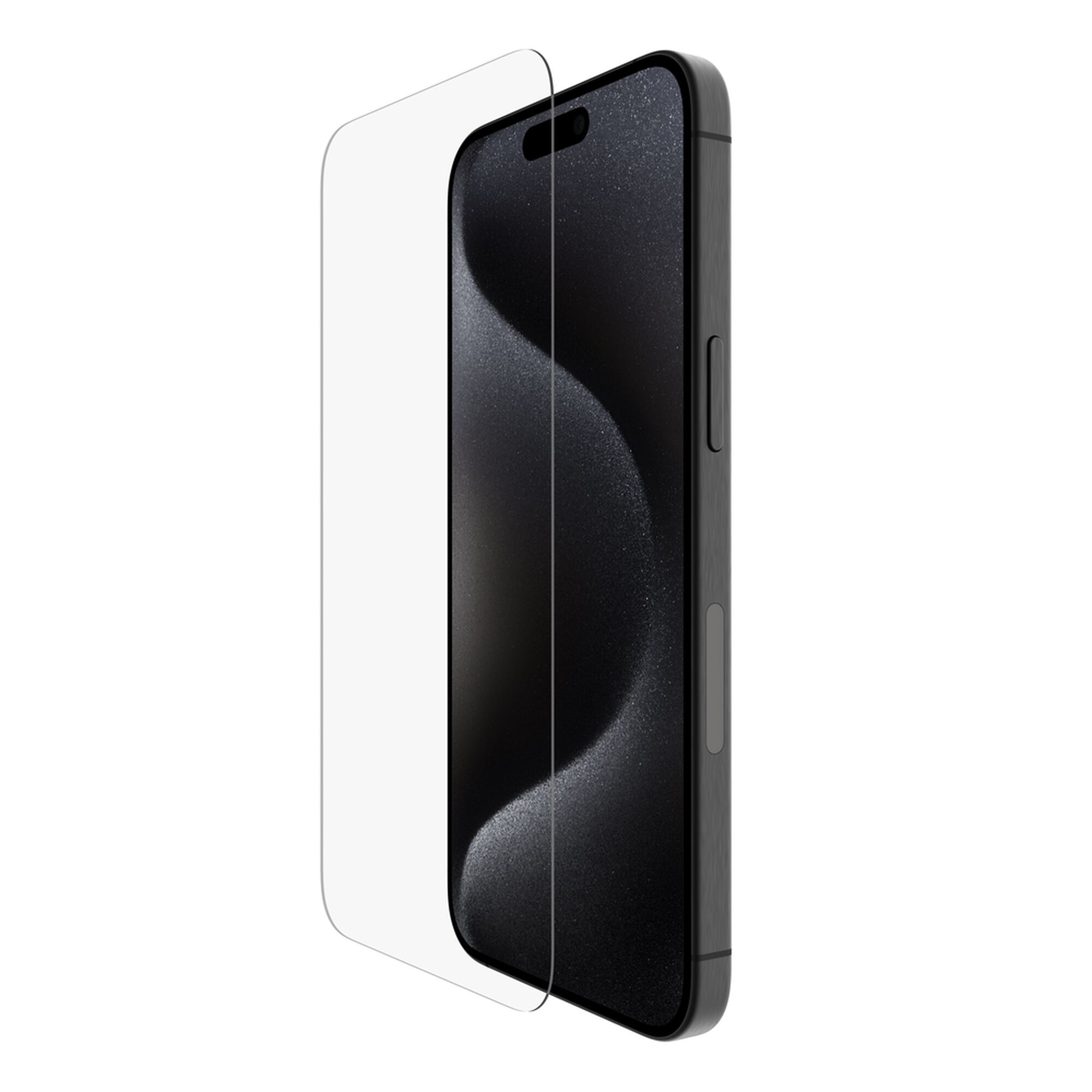
Belkin TemperedGlass Screen Protector for iPhone 15 Pro Max with Application System
$23.16$24.99
In stock
Cradlepoint
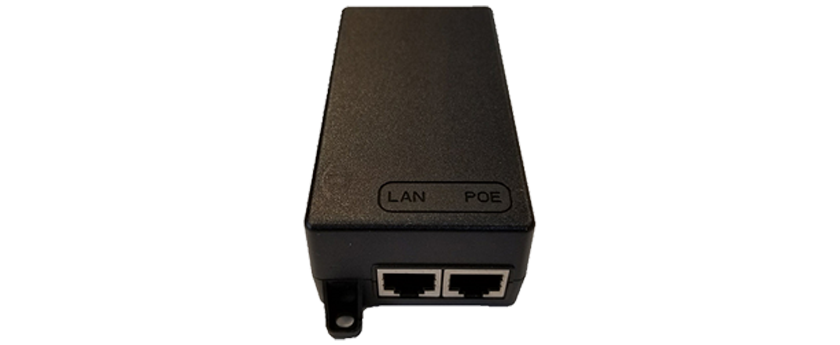
Cradlepoint 170732-001 PoE Injector, 56 V, with 1.8 m North America Type B Line Cord
$90.88$99.99
In stock
Cradlepoint
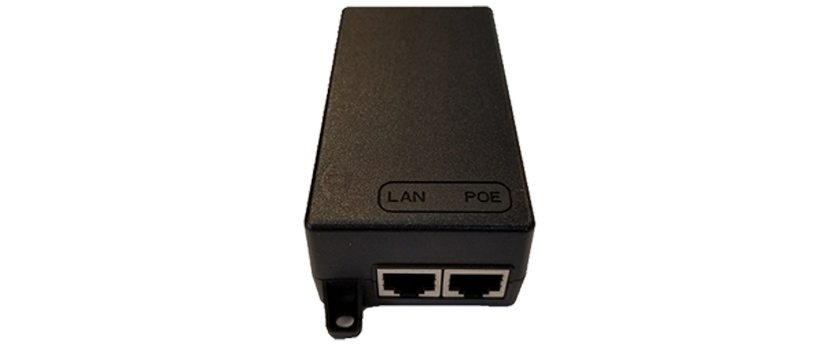
Cradlepoint PoE Injector, 56 V with 1.8 m North America C5 Line Cord (TAA-170732-001)
$91.49$99.99
In stock