





5G
Cradlepoint
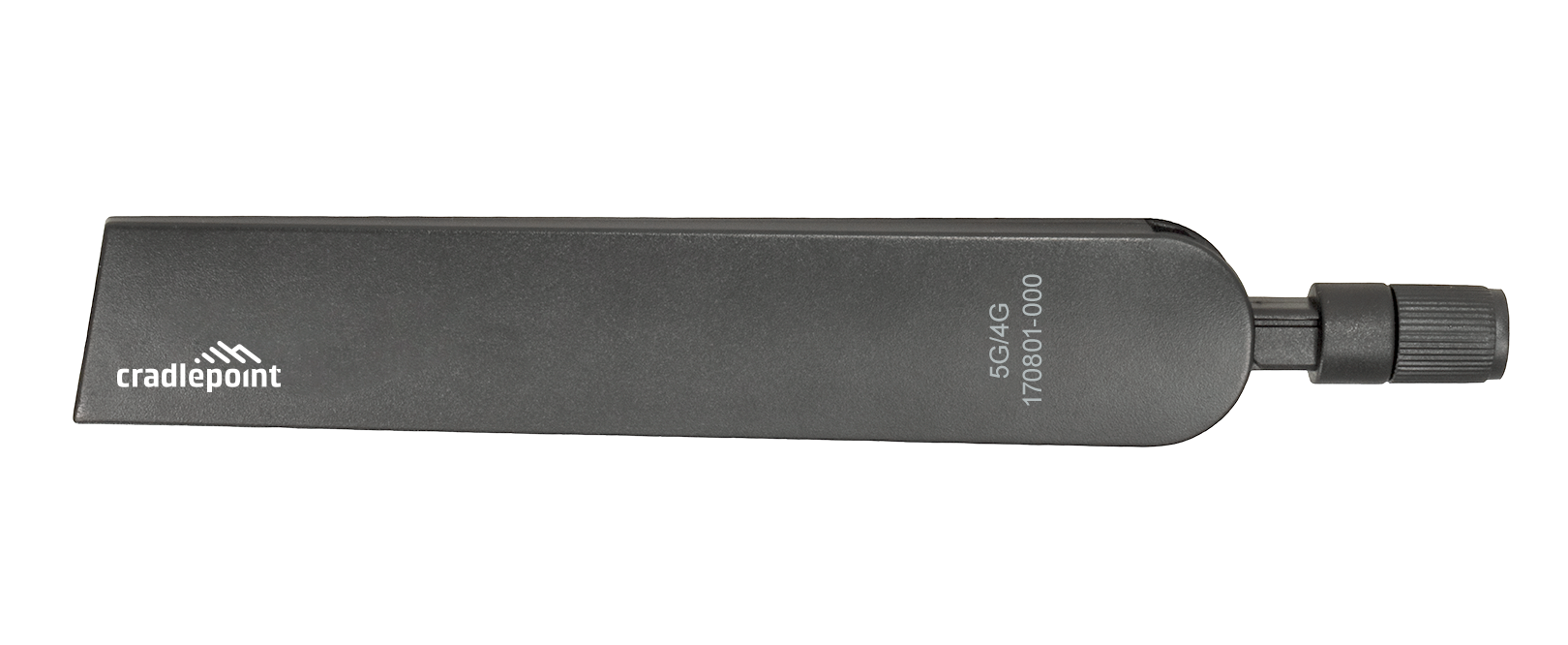
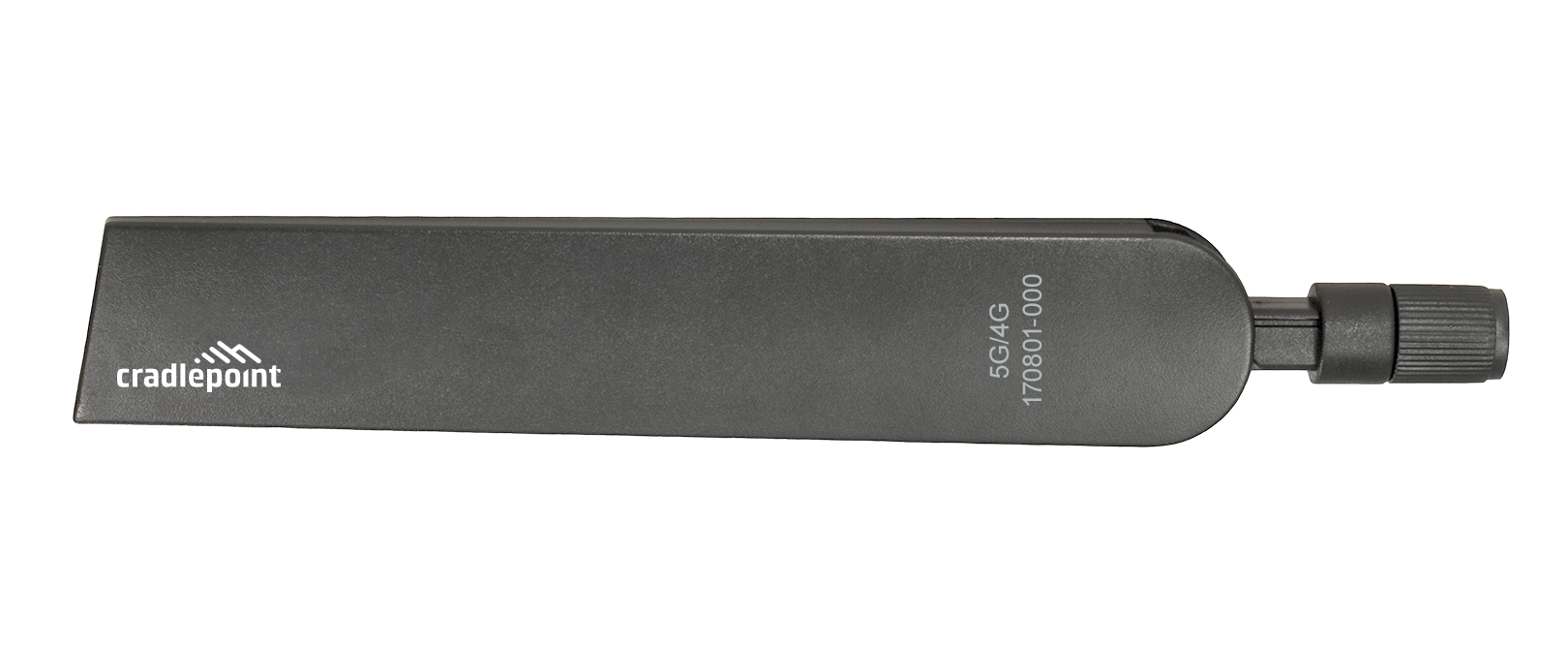
Cradlepoint TAA-170801-000 Charcoal Cellular Antenna, 600 MHz – 6 GHz, SMA, 180 mm
$16.46$17.99
In stock

5G & LTE Routers
Cellular routers and firewalls for offices, vehicles and industrial sites.

Product photo coming soon
Made for Teltonika
Backordered · ships as soon as it arrives
The Teltonika PR1US540 is a 5G-ready mobile antenna with an SMA connector that attaches directly to the cellular ports on Teltonika routers. It supports the current RUT2xx and RUT3xx series, RUT9xx and RUT95x models, the full RUTX line including the 5G RUTX50, the RUTXR1 rack router and the TCR100. A straightforward replacement or spare for 5G and LTE deployments that keeps antenna inventory to a single part number.
Standardizing antennas across a mixed Teltonika estate is easier when one part covers both LTE and 5G hardware. The Teltonika PR1US540 is a 5G mobile SMA antenna designed to screw directly onto the cellular antenna ports of Teltonika routers, from compact LTE units up to the 5G RUTX50 and the RUTXR1 rack-mount router.
Teltonika's compatibility list for this antenna covers the RUT200, RUT240, RUT241, RUT360, RUT950, RUT951, RUT955, RUT956, RUTX09, RUTX10, RUTX11, RUTX12, RUTX14, RUTX50, RUTXR1 and TCR100. Because it is specified for 5G operation, it also serves the wider frequency ranges 5G NR uses while remaining backward-suited to 4G LTE routers — one spare in the van instead of separate LTE and 5G antenna stock.
The direct-attach SMA design means installation is a ten-second job: thread it onto the port and orient the element. There is no coax to route, no bracket to drill and no connector to weatherproof, which suits indoor deployments such as branch routers, backup WAN units, signage controllers and lab benches. As with any direct-attach antenna, results depend on where the router itself sits; for routers buried in metal cabinets or basements, plan on a cabled external antenna instead.
This is a genuine Teltonika Networks accessory, MPN PR1US540, UPC 4779051840632, with a shipping weight of approximately 0.07 lb.
Yes. It is specified as a 5G mobile antenna and Teltonika lists the RUTX50 and RUTXR1 among compatible models, alongside the LTE RUT2xx, RUT3xx, RUT9xx and RUTX series.
Yes. The compatibility list includes many LTE models such as the RUT240, RUT360 and RUT950 series, so one antenna SKU can cover both LTE and 5G hardware.
Match the number of cellular antenna ports on your router. 5G models like the RUTX50 use multiple cellular antennas, so check your unit's port count before ordering.
A direct-attach antenna performs only as well as the router's location. In weak-signal buildings, relocate the router or use a cabled external antenna mounted near a window or outdoors.
Cradlepoint
Cradlepoint
Cradlepoint
Cradlepoint