

5G
Cradlepoint
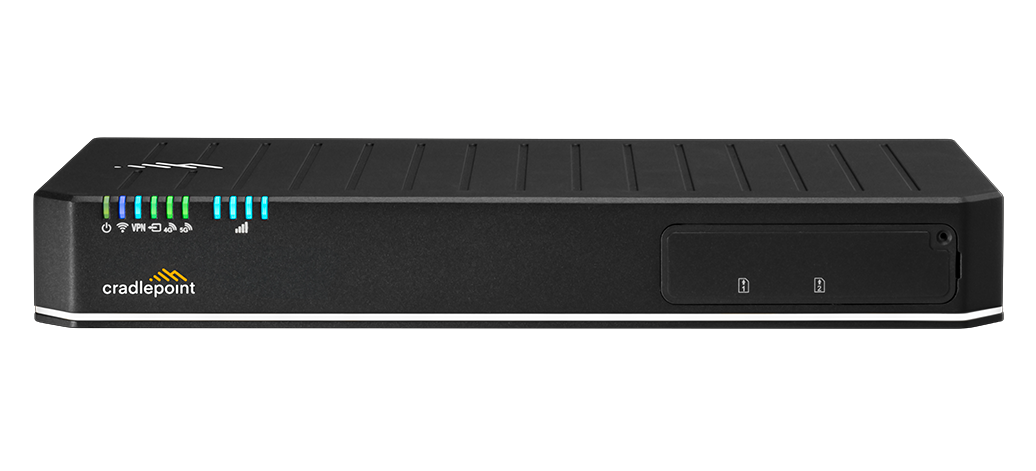
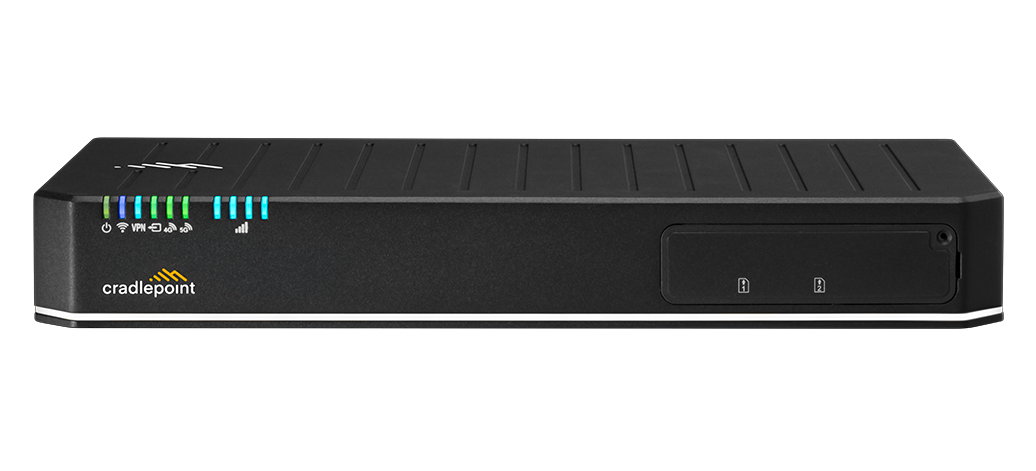
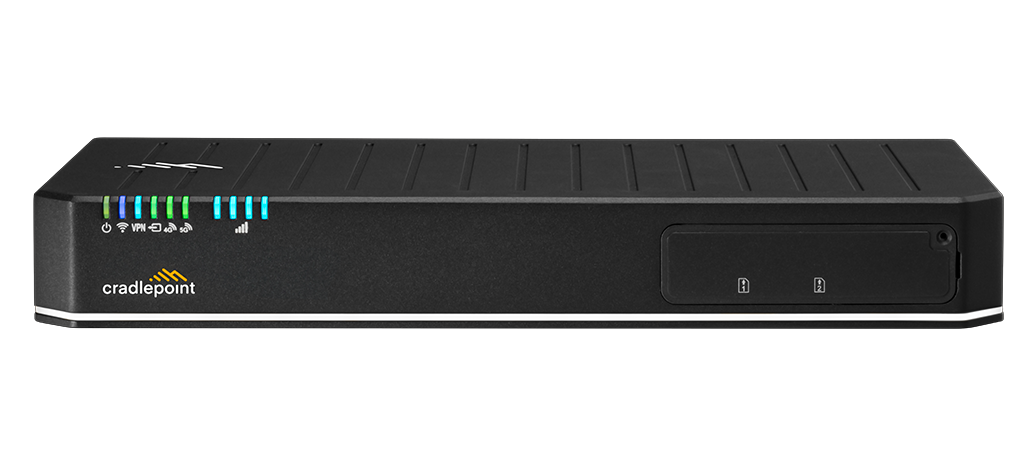
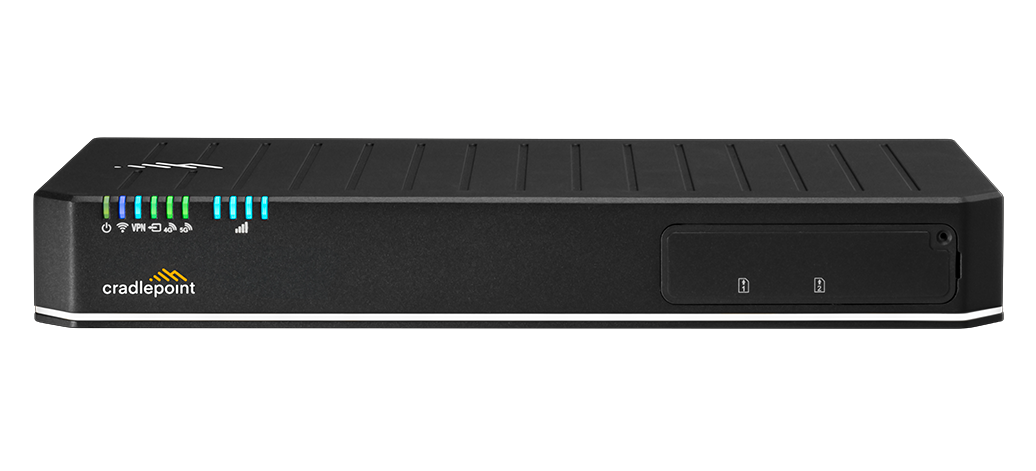
Cradlepoint E3000 5G Branch Router with Wi-Fi 6 and 5-Year NetCloud Enterprise Branch Essentials Plan
$3,448.85$3,769.00
In stock

5G & LTE Routers
Cellular routers and firewalls for offices, vehicles and industrial sites.
Backordered · ships as soon as it arrives
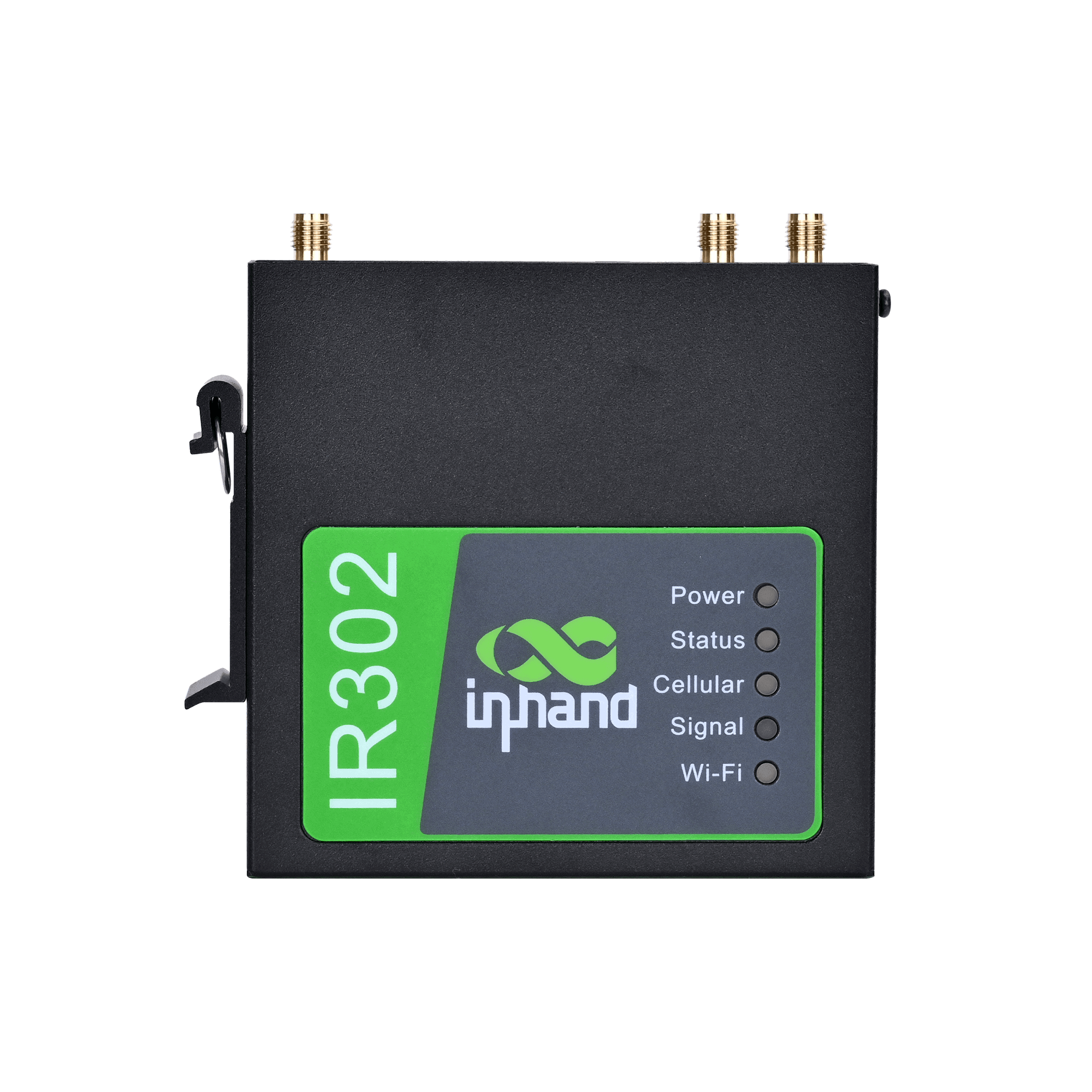
The InHand Networks IR302-FQ38-WLAN-IO is a compact industrial router for unattended IoT sites in North America. It uses an LTE Cat 4 module covering Bands 2, 4, 5, 12, 13, 14, 66 and 71, with WCDMA fallback and dual Nano-SIM backup. This configuration adds 802.11 b/g/n Wi-Fi and 2 I/O. It also provides two 10/100 Ethernet ports, an RS232 serial terminal and a full VPN suite. The fanless metal enclosure accepts 9-36V DC and operates from -35°C to 70°C.
The IR302 is InHand Networks' compact industrial cellular router for IoT and industrial automation. The IR302-FQ38-WLAN-IO is the North American LTE Cat 4 version with Wi-Fi and I/O. Its LTE module covers FDD Bands 2/4/5/12/13/14/66/71, with WCDMA Bands 2/4/5 as fallback. InHand lists the FQ38 radio as certified with Verizon, AT&T, T-Mobile and FirstNet, and it holds FCC, IC and PTCRB approvals. Two Nano-SIM slots provide carrier backup. The router can switch SIMs based on RSRP signal thresholds, packet loss or dial failures, and it supports ICCID binding.
The router has one WAN/LAN-switchable 10/100 Ethernet port and one 10/100 LAN port. It also has 802.11 b/g/n Wi-Fi, an RS232 combo terminal and 2 I/O. Serial and Ethernet DTU modes can forward field-device data to remote servers over TCP, UDP or MQTT, and Modbus RTU/TCP conversion is available as an option. VPN support includes IPsec (IKEv1/IKEv2 up to AES256-SHA512-ECP521), GRE, L2TP, PPTP, OpenVPN, WireGuard and ZeroTier. Security features include a firewall, ACLs, 200-entry MAC-IP binding and content filtering.
The IR302 can be managed through InHand Device Manager, which handles batch configuration, firmware upgrades, status monitoring and alarms across large fleets. It also supports InConnect Service, SNMP v1/v2c/v3, WebUI, CLI, SSH and an HTTP/HTTPS API. SMS commands can trigger remote reboots.
The unit is built for cabinets and harsh sites. It has a full metal IP30 fanless enclosure measuring about 100 x 30 x 100 mm and weighing about 250 g. It accepts 9-36V DC through a 2-pin terminal with reverse-polarity protection and draws a typical 2-5 W. The rated operating range is -35°C to 70°C, or -40°C to 75°C in the extended range, and rated MTBF is at least 100,000 hours. The router mounts on a DIN rail or wall, and the IR302 datasheet is available.
InHand lists the IR302-FQ38 (LTE Cat 4, North America) as certified with Verizon, AT&T, T-Mobile and FirstNet (LTE/4G). It also holds FCC, IC and PTCRB approvals.
Install the antennas and insert the SIM with the power off, then power the router. Connect a computer to a LAN port using DHCP or a 192.168.2.x static IP. Browse to http://192.168.2.1 and log in with the credentials printed on the device label.
No. Wi-Fi is disabled by default. In the web GUI, go to Network > Switch WLAN Mode and set the type to AP. Then enable Wi-Fi under Network > WLAN and set the SSID, security type and password.
Go to Network > Cellular and choose your carrier profile under SIM1 Network Provider. For a custom APN, create a profile in the Profiles section and select it. A steady Cellular LED means the router is connected.
It accepts 9-36V DC through a 2-pin industrial terminal, typically 12V or 24V, with reverse-polarity protection. Typical consumption is 2-5 W, with a peak under 10 W.
Cradlepoint
Cradlepoint
Cradlepoint
Cradlepoint